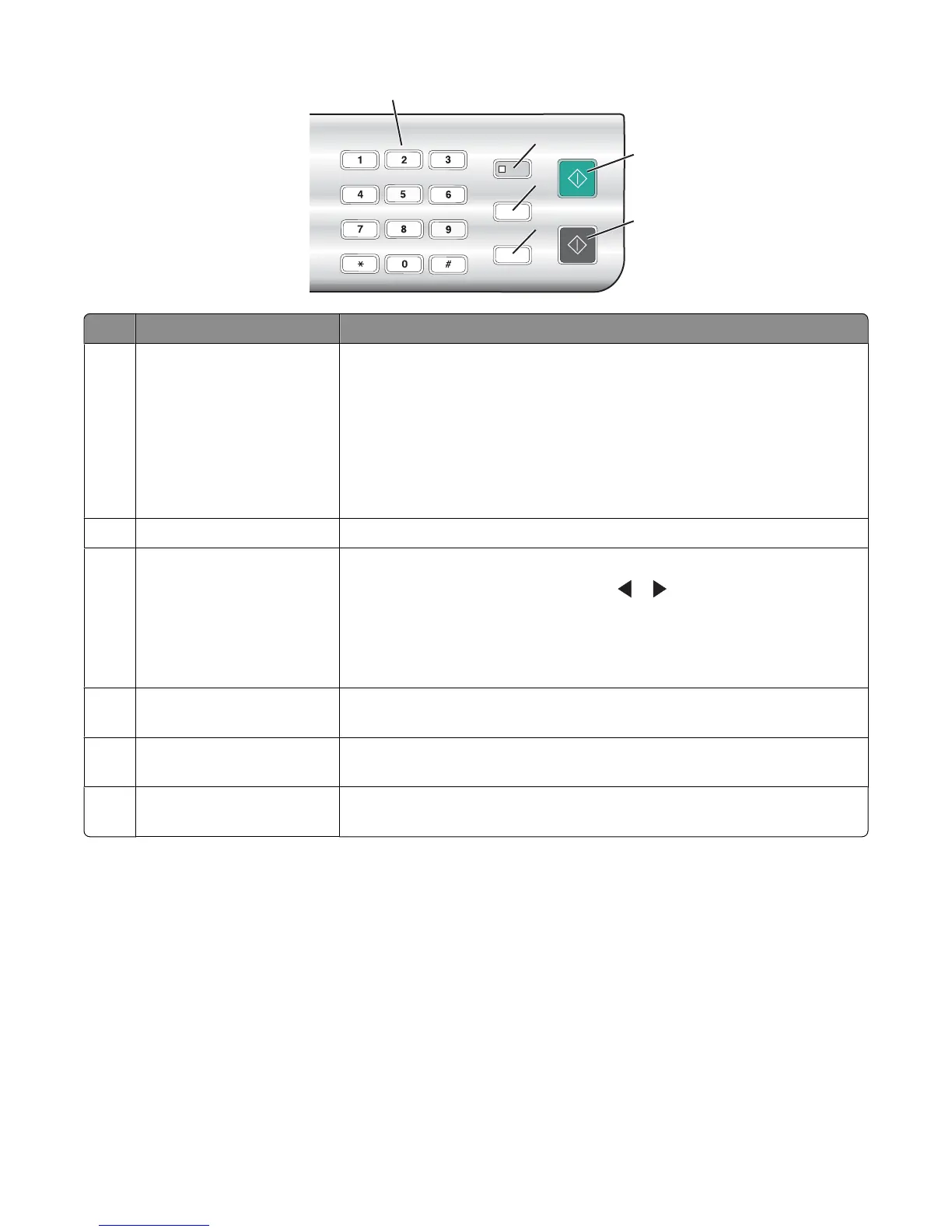
1
5
6
2
3
4
Press To
1
A keypad number or symbol In Copy mode or Photo Card mode: Enter the number of copies or prints you
want to make.
In Fax mode:
• Enter fax numbers.
• Navigate an automated answering system.
• Select letters when creating a Speed Dial list.
• Type numbers to enter or edit the date and time shown on the display.
2
Auto Answer Set the printer to answer all incoming calls when the button light is on.
3
Pause / Redial In Fax mode:
• Display the last number dialed. Press or to view the last five numbers
dialed.
• Insert a three-second pause in the number to be dialed to wait for an
outside line or get through an automated answering system. Enter a pause
only when you have already begun entering the number.
4
Phone Book Access any of the programmed Speed Dial numbers (1–89) or Group Dial
numbers (90–99).
5
Start Color Start a color copy, scan, fax, or photo print job, depending on which mode is
selected.
6
Start Black Start a black-and-white copy, scan, fax, or photo print job, depending on
which mode is selected.
Related topics:
• “Using the Copy menu” on page 93
• “Using the Scan menu” on page 94
• “Using the Fax menu” on page 95
• “Using the Photo Card menu” on page 96
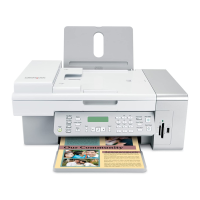
Understanding the printer
92


 To Next Page