273
8-2. Setup
8
Phone
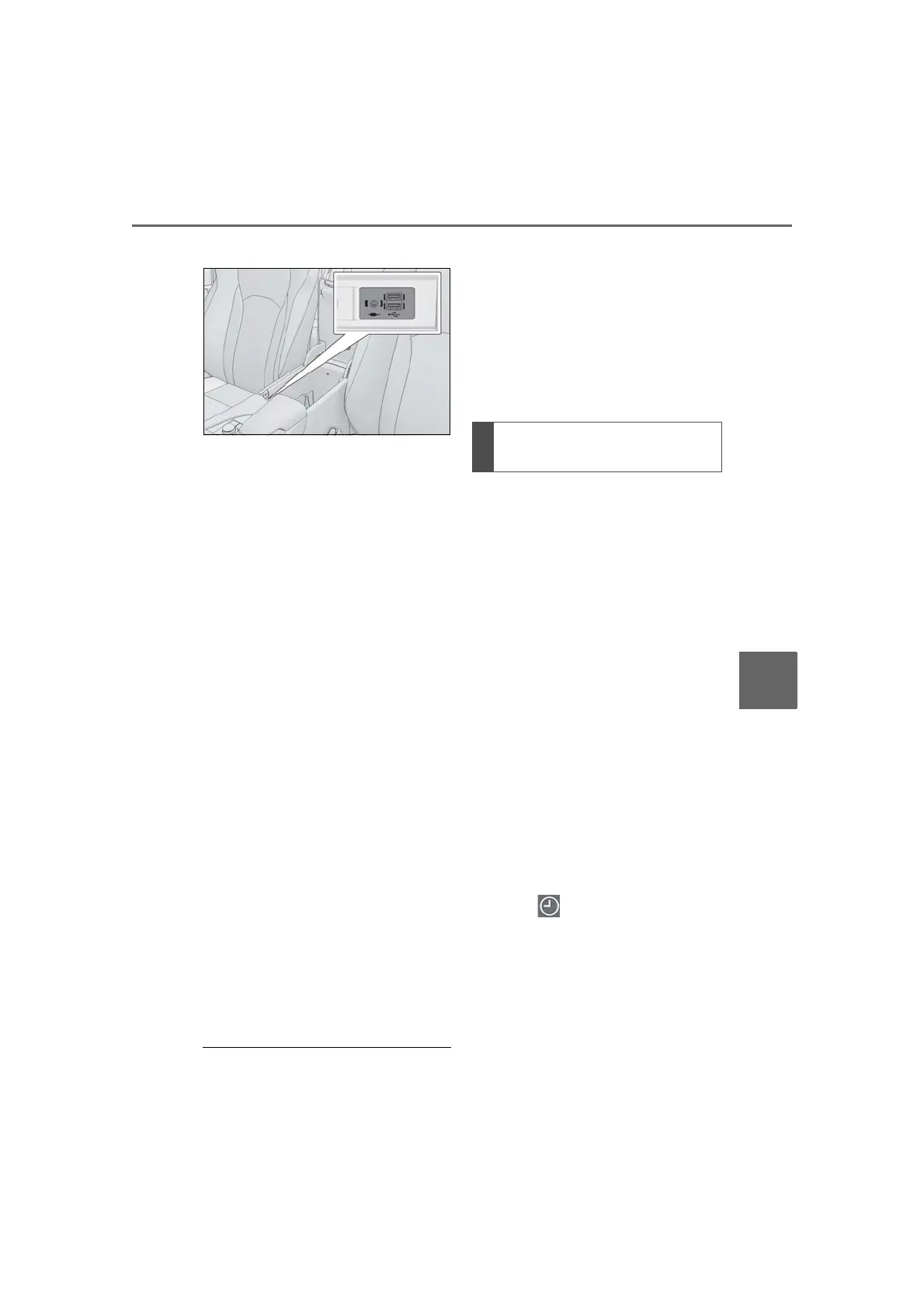
2 Connect a device.
Turn on the power of the USB
device or Bluetooth
®
phone if it is
not turned on.
3 Close the console box.
4 Select “Transfer Contacts from
Device”.
5 Select “From USB”.
6 Select “USB 1” or “USB 2” when
the multiple USB devices are con-
nected. If a USB device is con-
nected, skip this procedure.
7 Select “Replace Contacts” or “Add
Contact”. If the contact is not regis-
tered, skip this procedure.
“Replace Contacts”: Select to transfer the
contact from the connected USB device or
Bluetooth
®
phone and replace the current
one.
“Add Contact”: Select to transfer the
desired contact data from the connected
USB device or Bluetooth
®
phone to add
to the current one.
8 Select a desired file from vCard file
list.
9 Check that a confirmation screen is
displayed when the operation is
complete.
● Depending on the type of Bluetooth
®
phone used and number of files, it may
take time to display vCard file lists and
download contacts.
● Downloading may not complete cor-
rectly in the following cases:
• If the engine switch <power switch> is
turned off during downloading.
• If the USB device or Bluetooth
®
phone is
removed before downloading is com-
plete.
New contact data can be registered.
Up to 4 numbers per person can be
registered.
1 Select “New Contact”.
2 Enter the name and select “OK”.
3 Enter the phone number and select
“OK”.
4 Select the phone type for the
phone number.
5 To add another number to this con-
tact, select “Yes”.
■ Registering a new contact in a dif-
ferent way (from the call history
screen)
1 Press the “MENU” button on the
Remote Touch.
2 Select “Phone”.
3 Select “History” on the sub
menu and select a contact not yet
registered in the contact list.
4 Select “Add to Contacts”.
5 Follow the steps in “Registering a
new contact to the contacts list”
from step 2. (P.273)
Registering a new contact to the
contacts list



 To Next Page