21
ENGLISH_index
TROUBLESHOOTING
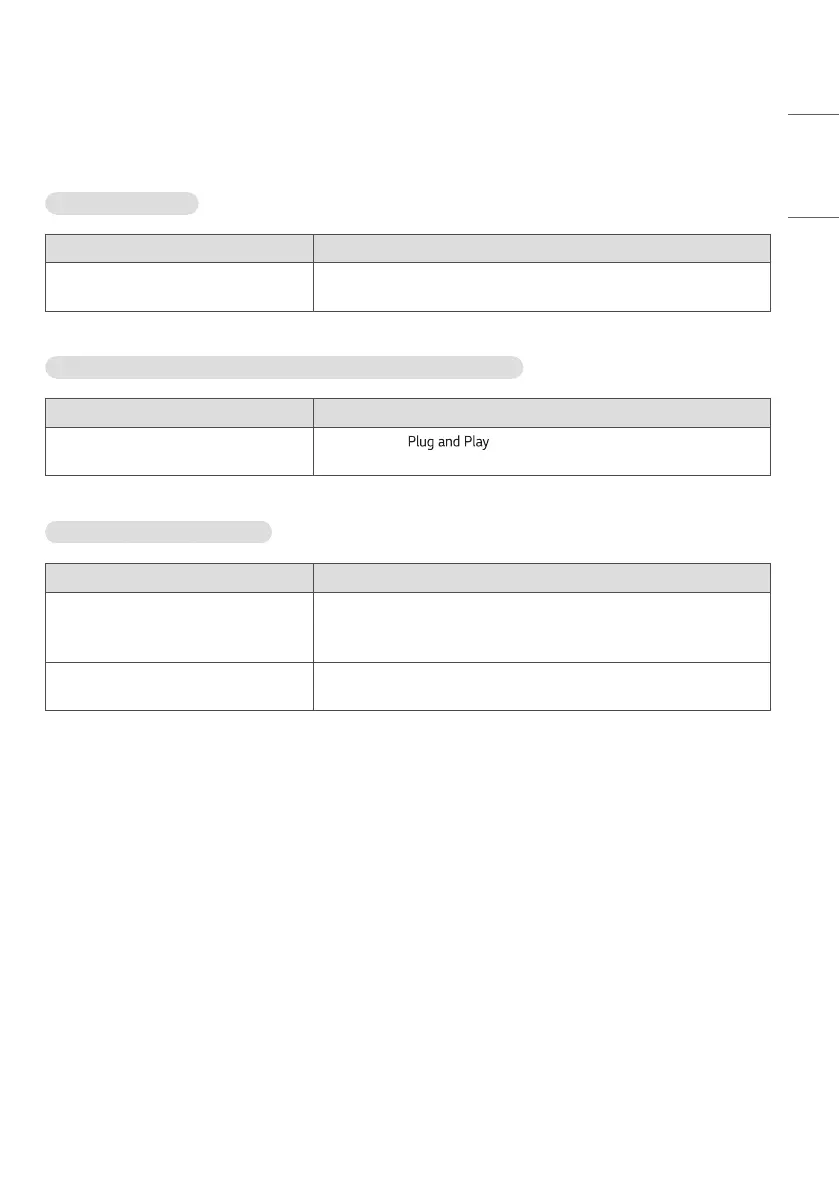
No image is displayed.
Problem Solution
Is the power cord connected to the
product?
• Check if the power cord is correctly plugged into the power outlet.
The ‘Unknown Product’ message appears when the product is connected.
Problem Solution
Did you install the driver? • Check if the function is supported by referring to the
graphics card user manual.
The screen image looks abnormal.
Problem Solution
Is the screen position wrong? • Check if the graphics card resolution and frequency are supported by
the product. If the frequency is out of range, set to the recommended
resolution in the “Display” settings in Control Panel.
The screen is displayed abnormally. • The proper input source is not connected to the port. Connect a cable
that matches the input source signal.



 To Next Page