ENGLISH
12
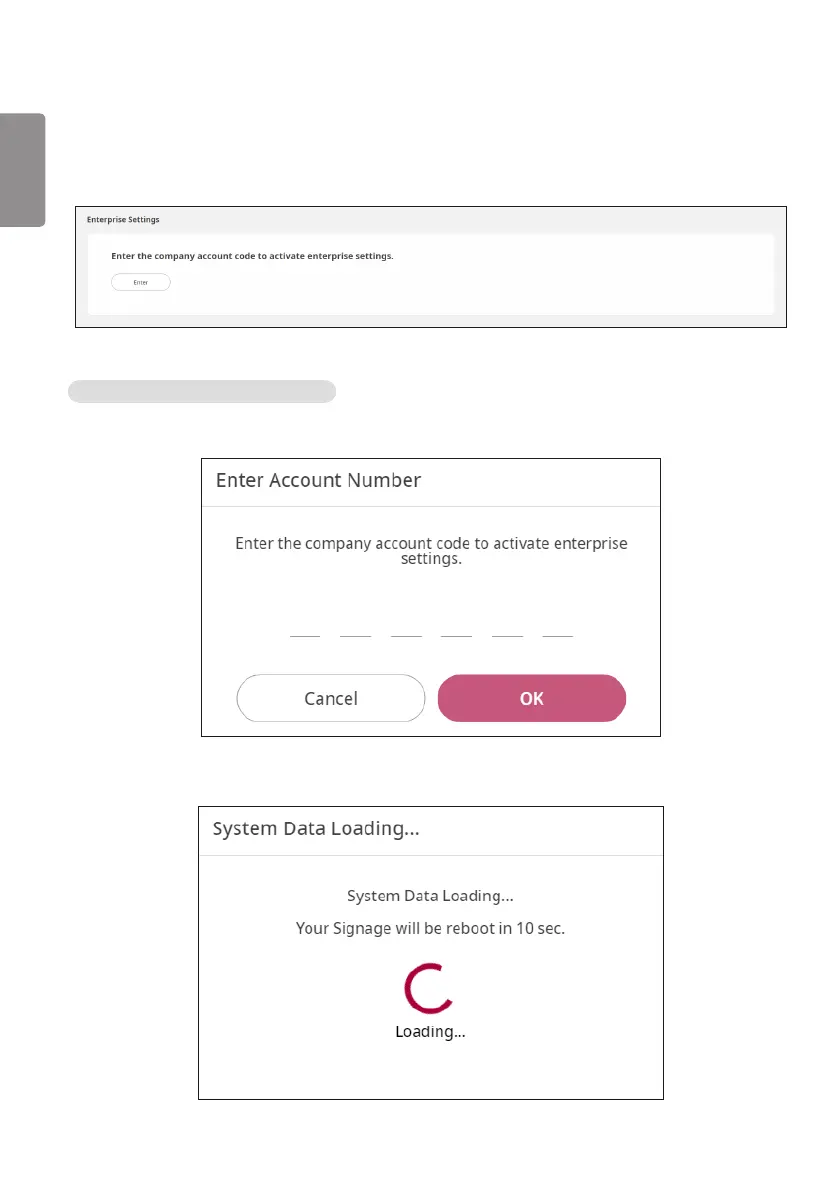
Enterprise Settings
※Thefollowingmethodappliesonlytosomemodels.
The Enterprise Settings can be applied by entering the company account code.
Enterprise code Application Process
1 Press the [Enter] button to display a pop-up, and enter the company account code.
2 After the code is entered, the enterprise settings will take effect when the set reboots.



 To Next Page