ENGLISH
4
LG System Controller Menu
Menu
• The image may vary according to the model.
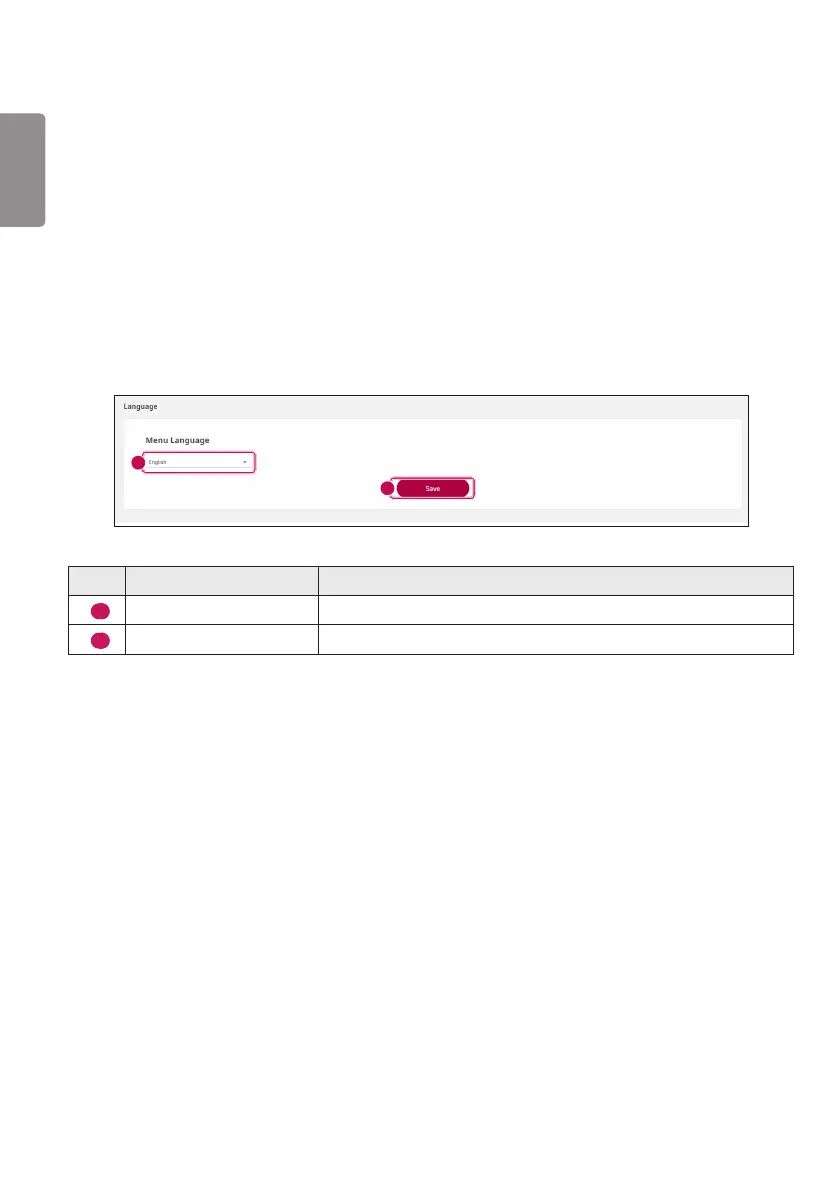
Language
You can set the language used for the System Controller. Or you can change the language by using the RS-
232C command below.
(See the section of “Language” on page 16.)
1
2
No. Item Description
1
Select language window
You can change the language via the select box.
2
Save
Applies the selected language.



 To Next Page