ENGLISH
14
System
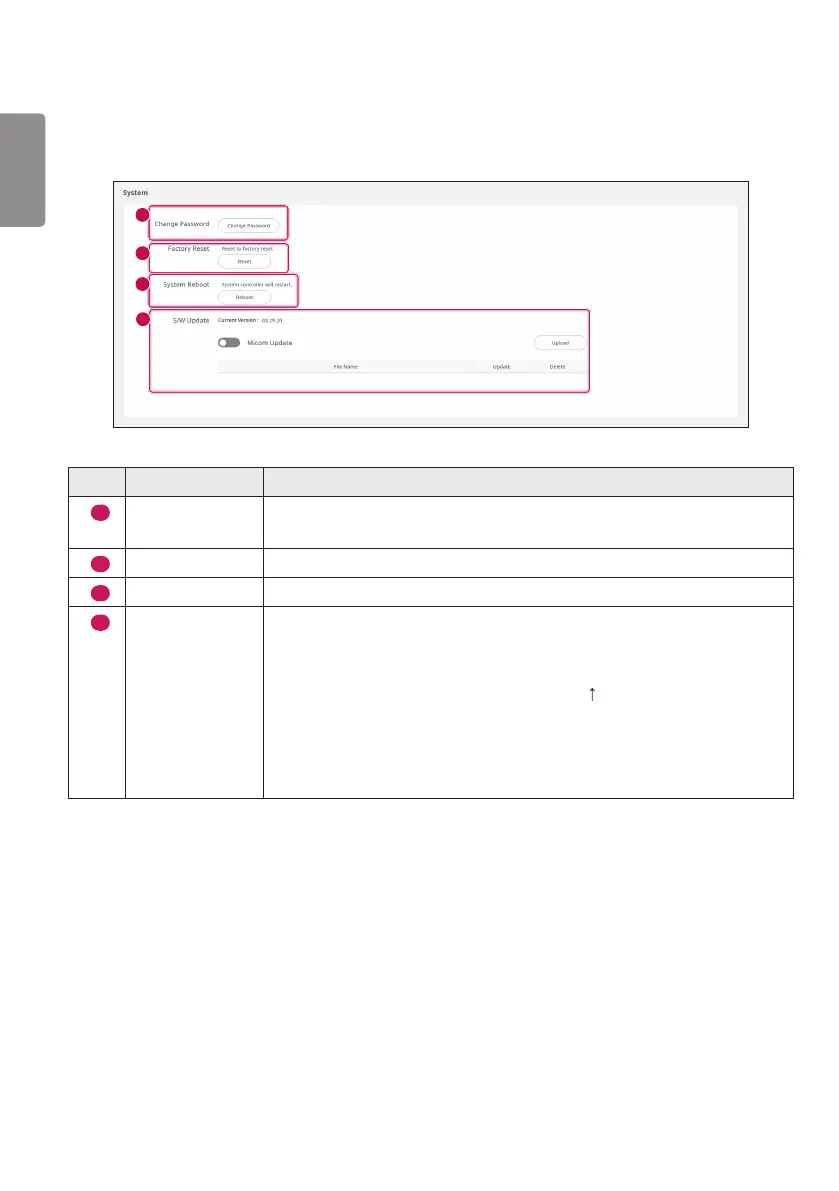
You can initialize and restart the System Controller. In addition, you can perform S/W Update.
1
2
3
4
No. Item Description
1
Change
Password
Enter current and new passwords to change the password.
2
Factory Reset
Applies the initial set value via the Reset button.
3
System Reboot
If you select the Reboot button, the System Controller is rebooted.
4
S/W Update
The current version refers to the current version of the SW.
• You can activate/deactivate an Update via the Micom Update button, and
you can force an update.
• You can upload a firmware file (*.epk) via the Upload button on a right
side.
• When you upload, the Update button and Delete button will be activated,
and when you select Update, you can update the S/W. If you select the
Delete button, you can delete the uploaded file.



 To Next Page