Camera
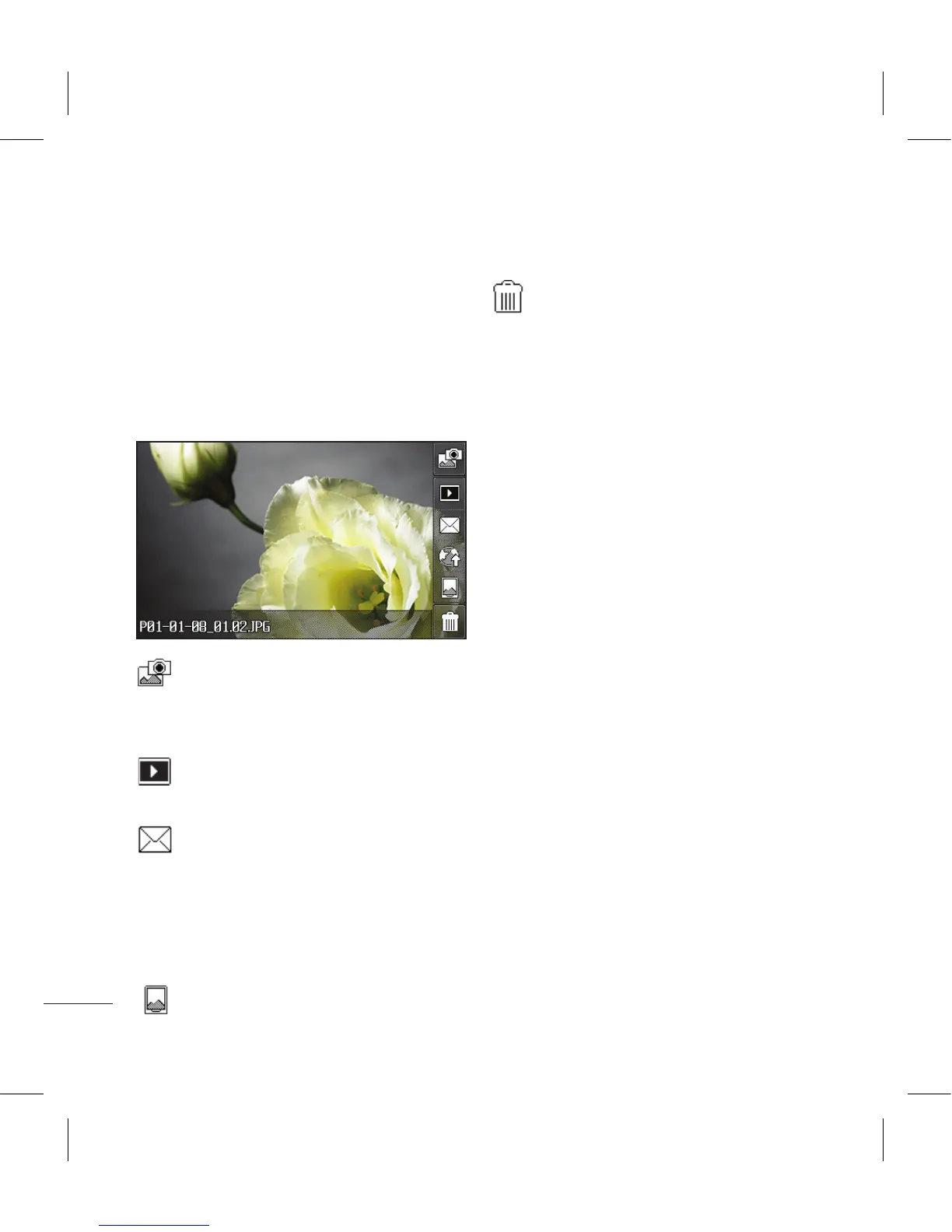
After you’ve taken your photo
Your captured photo will appear
on screen. The name of the image
runs along the bottom of the screen
together with five icons down the
right side.
Touch to take another photo
straightaway. Your current photo
will be saved.
Touch to view a gallery of
saved photos.
Touch to send the photo as a
Message, Email, or Bluetooth. See
page 34 for Sending a message, and
page 109 for Sending and receiving
your files using Bluetooth.
Touch to set the picture you
have taken as Wallpaper.
Touch to delete the photo
you have just taken and confirm by
touching Yes. The viewfinder will
reappear.



 To Next Page