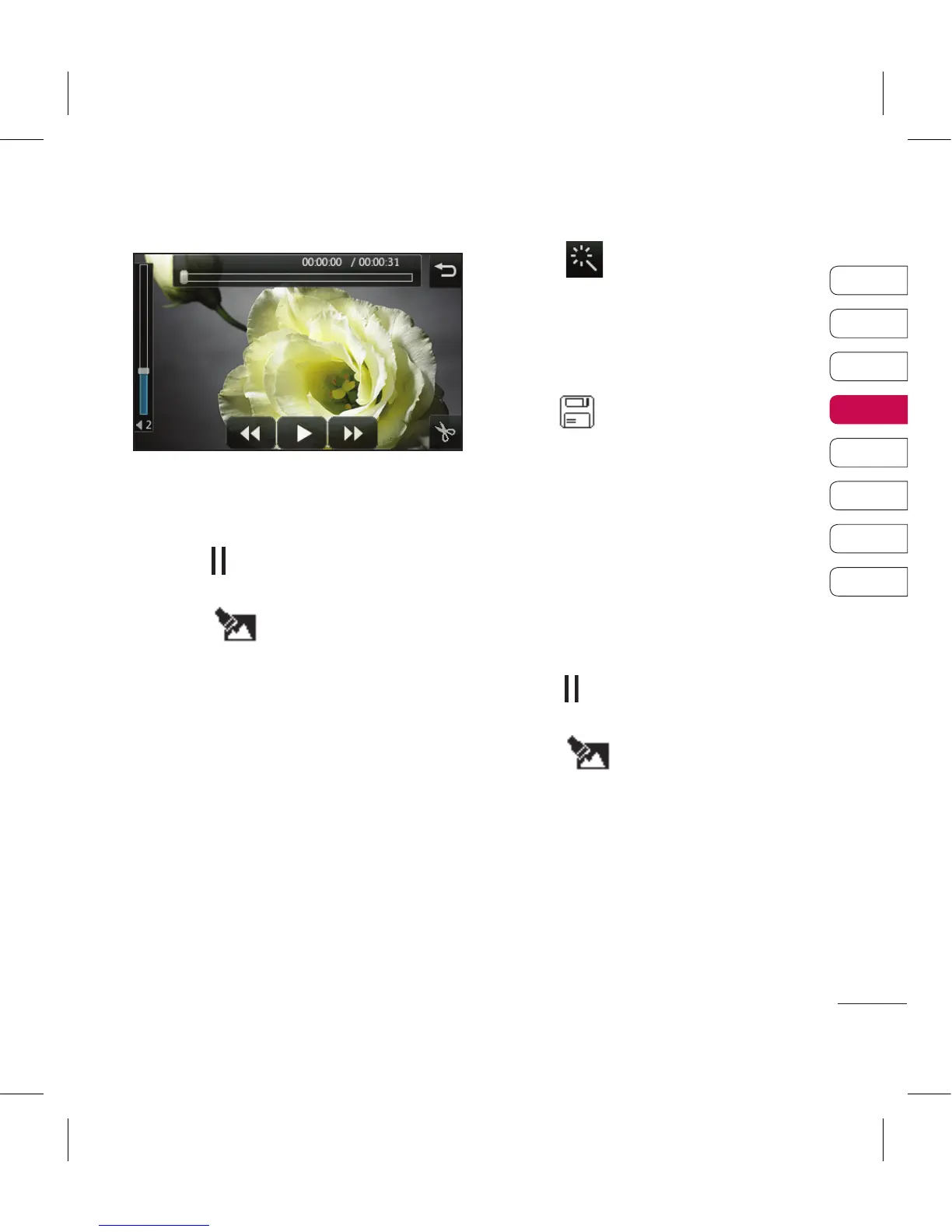
Merging two videos together
1 Open the video you’d like to edit,
select and touch the screen to
bring up the options.
2 Select and choose Video
merge.
3 The My videos folder will open.
Choose the video you would like
to merge.
4 Touch and slide the photo
to merge it to the end or the
beginning of the video.
5 Touch to choose how the
videos merge together: None,
Fade out, Pan zoom, Oval,
Uncover, Blind, Checker board,
Dissolve, Split or Shape diamon.
6 Press followed by Yes to save
the new merged video. Choose
to save over the original file or as
a new file.
7 Repeat these steps to merge
more videos.
Merging a photo with a video
1 Open the video you’d like to edit,
select and touch the screen to
bring up the options.
2 Select and choose Image
merge.
3 The My images folder will open.
Choose the photo you would like
to merge into your video and
touch Select.



 To Next Page