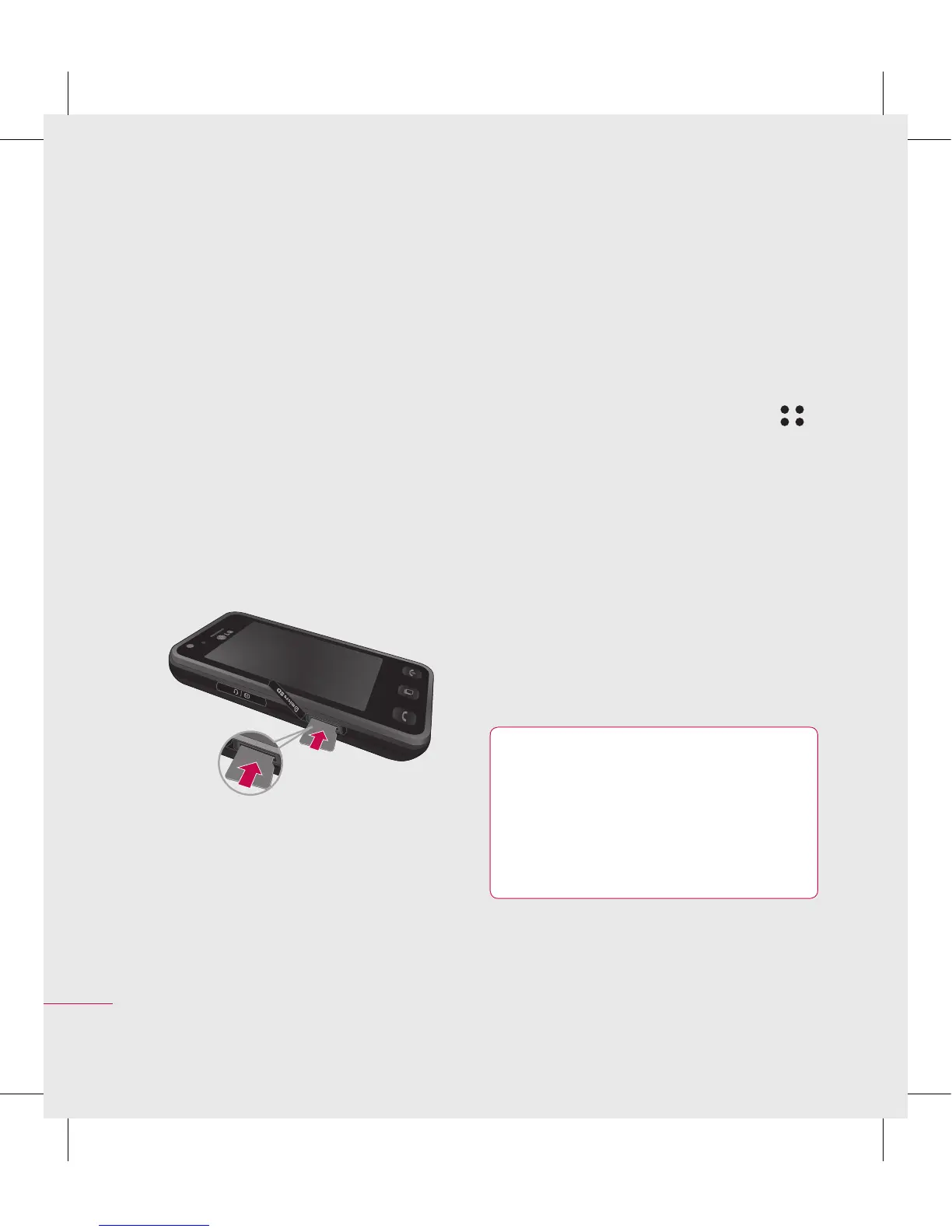
Memory card
Installing a memory card
You can expand the memory space
available on your phone using a
memory card.
NOTE: A memory card is an optional
accessory.
1 Open the memory card cover.
2 Slide the memory card into the
slot at the top, until it clicks into
place. Make sure that the gold
contact area is facing downwards.
3 Close the memory card cover.
Formatting the memory card
Your memory card may already
be formatted. If your card isn’t
formatted, you will need to format it
before you can begin using it.
1 From the home screen select
then touch Settings and choose
Phone settings.
2 Touch Memory manager then
chose External memory.
3 Touch Format and then confirm
your choice.
4 Enter the password, if one is set,
and your card will be formatted
and ready to use.
TIP! To change your
default storage destination,
open Memory manager from
the Phone settings menu and
select Primary storage settings.



 To Next Page