Multimedia
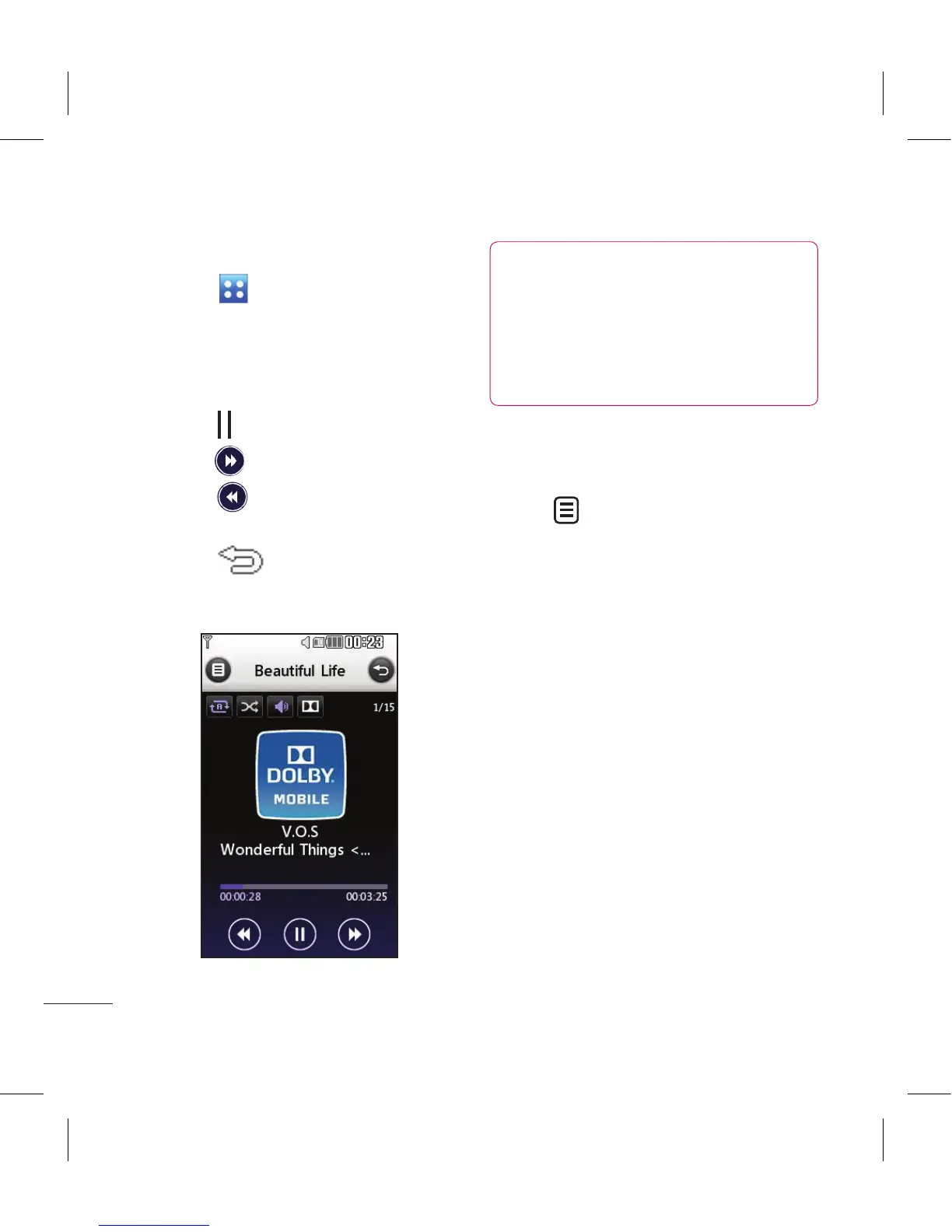
Playing a song
1 Touch then Entertainment.
2 Touch Music, then All tracks.
3 Select the song you want to play
and touch Play.
4 Touch to pause the song.
5 Touch to skip to the next song.
6 Touch to skip to the previous
song.
7 Touch to return to the
Music menu.
TIP! KC910 is the rst worldwide
handset to apply Dolby Mobile
for music, Providing trademark
Dolby sound quality to your
mobile phone.
Using options while playing
music
Touch and choose from:
Minimize - Make the music player
screen disappear so that you can
continue using your phone as
normal.
Go to my music - Return to the
Music menu.
Visualization - Select a visual effect.
Add to playlist - Add the track to
one of your playlists.
Send - Send the song as a message
or via Bluetooth.
Delete - Delete the song.
Use as - Use the song as one of Voice
ringtone, Video ringtone, Message
tone, Start-up or Shut down.



 To Next Page