Video camera
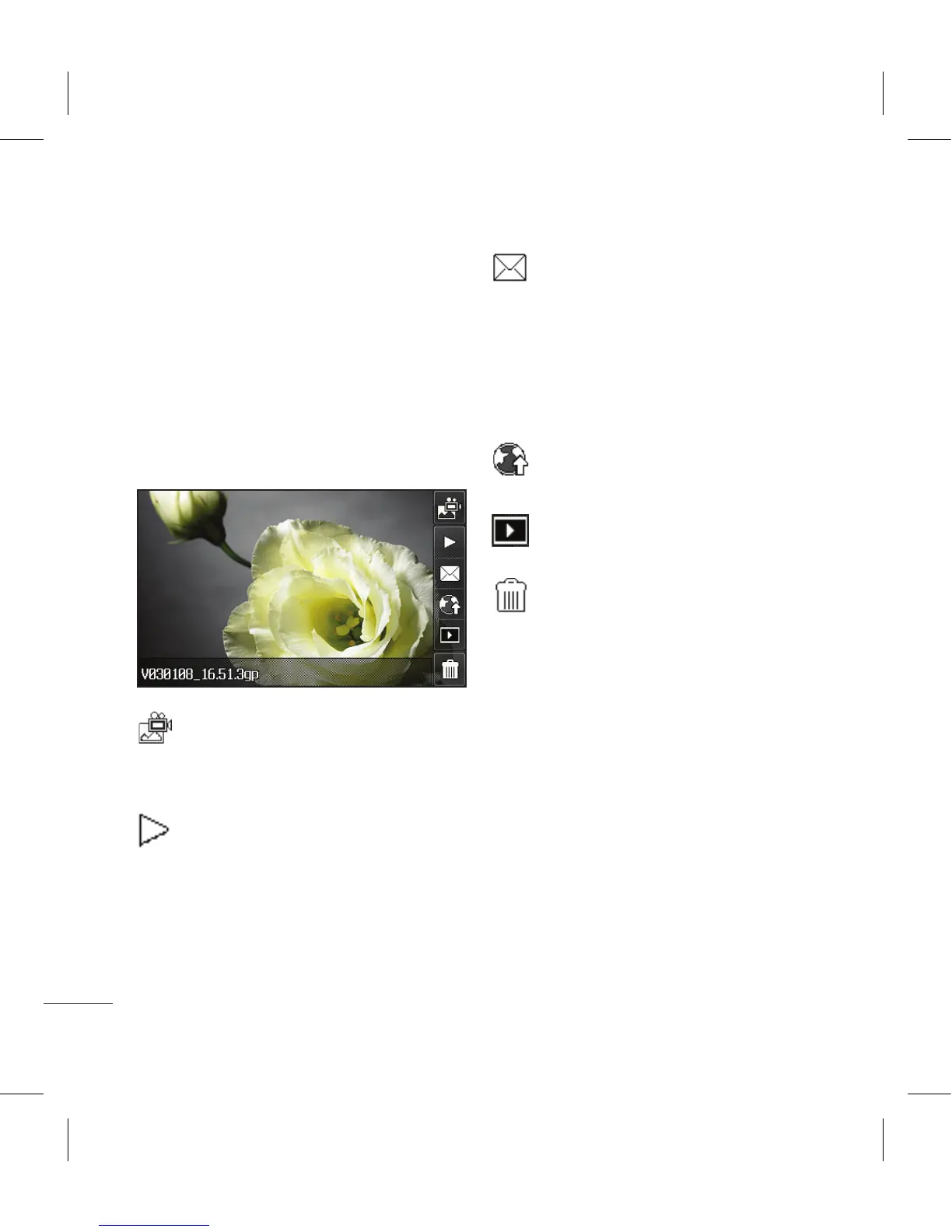
After you’ve shot your video
A still image representing your
captured video will appear on
screen. The name of the video runs
along the bottom of the screen
together with five icons down the
right side .
Touch to shoot another video
straight away. Your current video
will be saved.
Touch to play the video.
Touch to send the video as a
message, by Email or by Bluetooth.
See page 34 for
Sending a
message, or page 109 for Sending
and receiving your files using
Bluetooth.
Touch to upload to your
account blog.
Touch to view a gallery of
saved videos and pictures.
Touch to delete the video you
have just made and confirm by
touching Yes. The viewfinder will
reappear.



 To Next Page