Multimedia
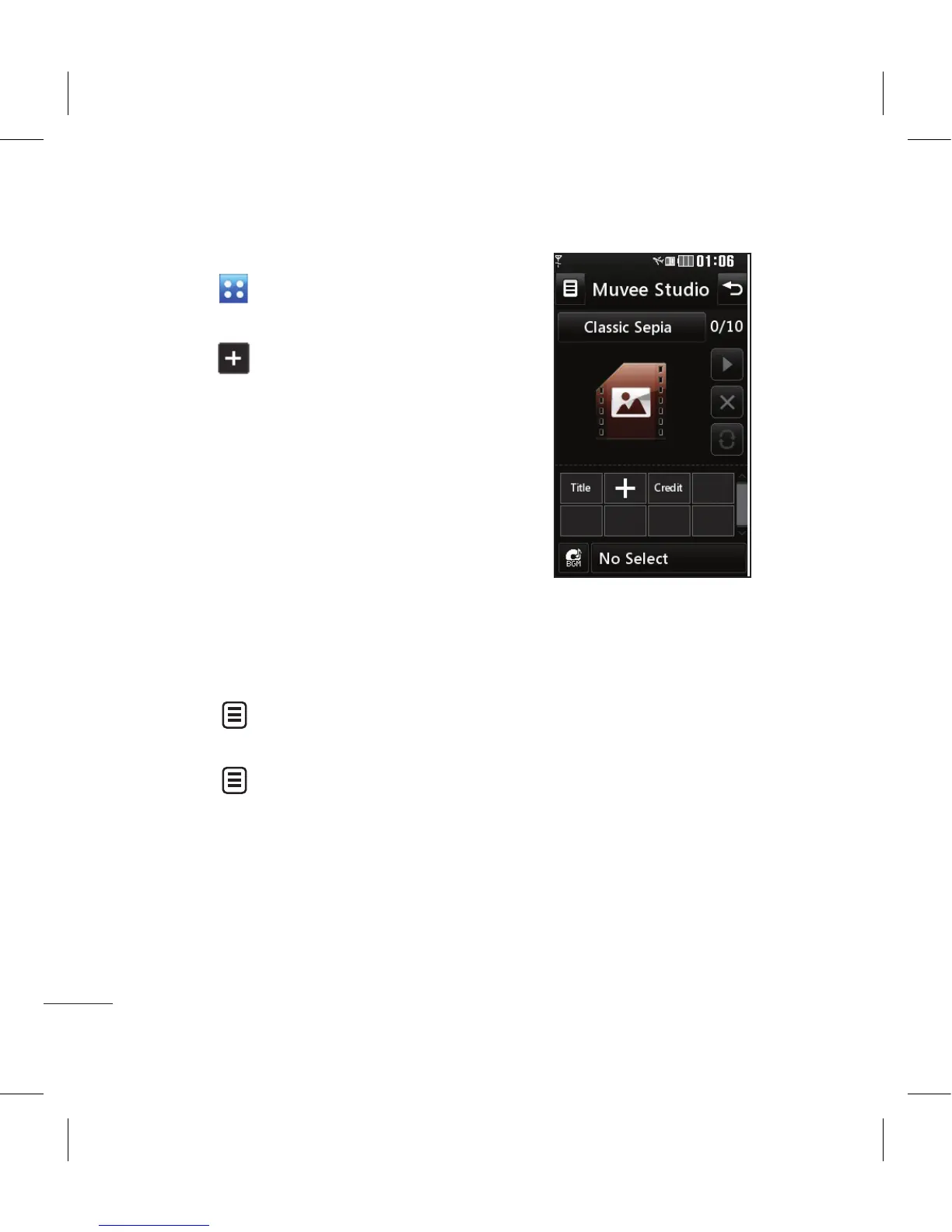
Creating a movie
1 Touch then Entertainment.
2 Touch Muvee Studio.
3 Touch to add an image. Touch
the images you want to include
then select Insert .
4 Touch the style tab across the top
to choose a movie style.
5 Touch the sound tab at the
bottom of the screen to change
the sound, such as a voice
recording.
6 Touch the Play button to see
what you’ve created.
7 Touch then Play Order to
change the order.
8 Touch then Save Location to
choose where to save the movie,
and touch Duration to choose
between long and short.
9 To save your movie, press play
and then touch the save icon in
the top left corner.



 To Next Page