Capturing an image from a
video
1 Select the video you would like to
capture an image from.
2 Touch to pause the video on
the frame you’d like to convert
to an image select from the
right side of the screen.
3 Select Save.
4 The image will appear on screen,
with its assigned image name.
5 Touch the image then to
return to the gallery.
6 The image will be saved in My
folders and appear in the gallery.
You need to exit the gallery and
then re-open it for this to appear.
WARNING: Some
functions will not work properly
if the multimedia le has not
been recorded on the phone.
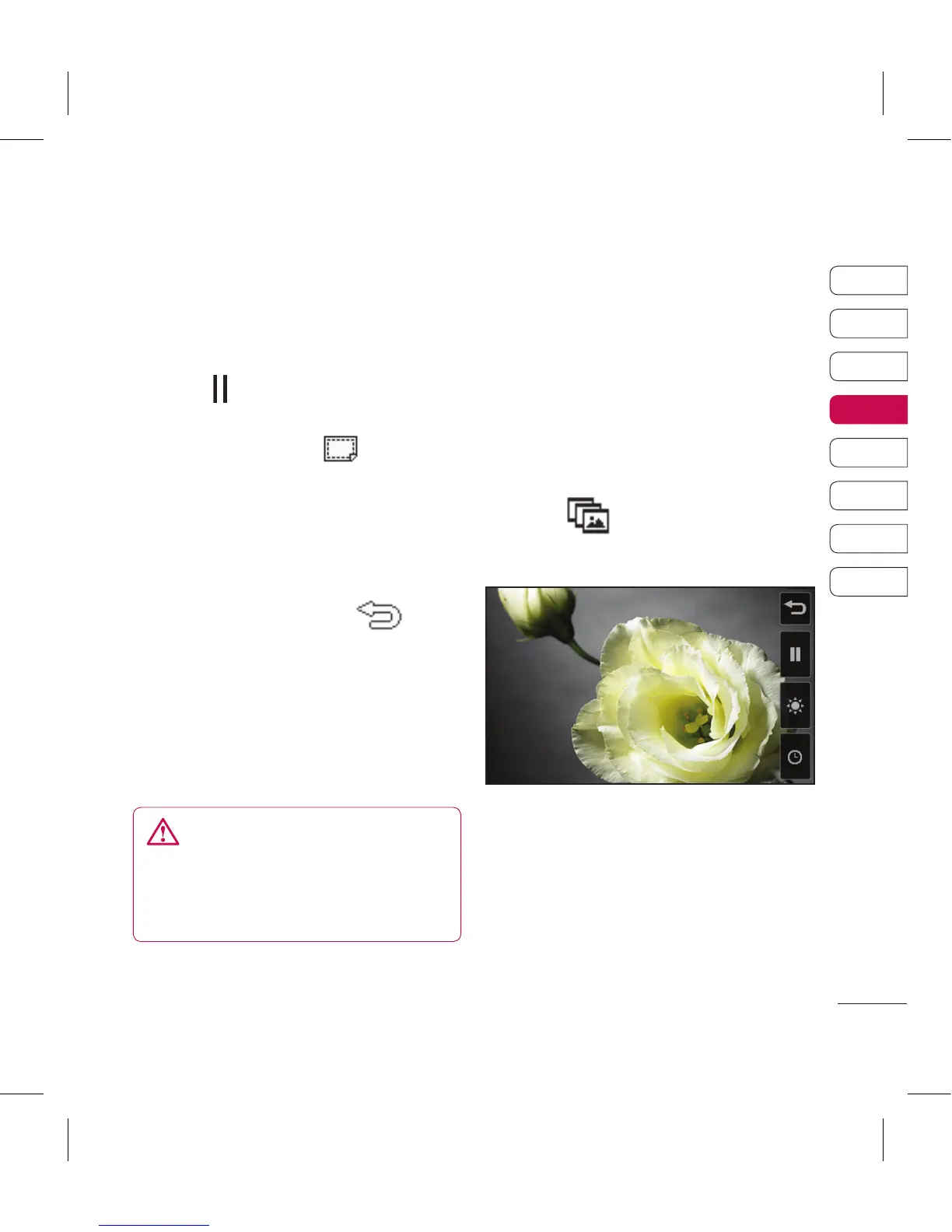
Viewing your photos as a
slide show
Slideshow mode will show all the
photos in your gallery one at a time
as a slideshow. Videos can not be
viewed as a slideshow.
1 Touch the photo you would like
to begin the slideshow to open it.
2 Select .
3 The slideshow will begin.



 To Next Page