Adding a city to your world
time
1 From the home screen select
then touch Utilities and choose
Tools.
2 Select World clock.
3 Touch the icon, followed by
Add city. Start typing the name
of the city you require and it will
show at the top of the screen.
4 Touch the city to select it, and
it will be added to your World
time list.
Jogging Buddy
Whether walking, running or
jogging, KC910 provides up-to-
the-second information including
distance and time, and keeps
an exercise log for you by using
advanced GPS technology.
1 From the home screen select
then touch Utilities and choose
Tools.
2 Select Jogging buddy.
3 Touch << >> to a set Distance or
Time for your jog.
4 You can switch Regular beep on
or off.
5 Once GPS is connected, the start
button will light up. Touch
to start.
- Reset button
Regular beep - The phone beeps at
distance or time intervals to help
you keep track without having to
keep looking at the screen.
- Start button
- Pause button
- Stop button
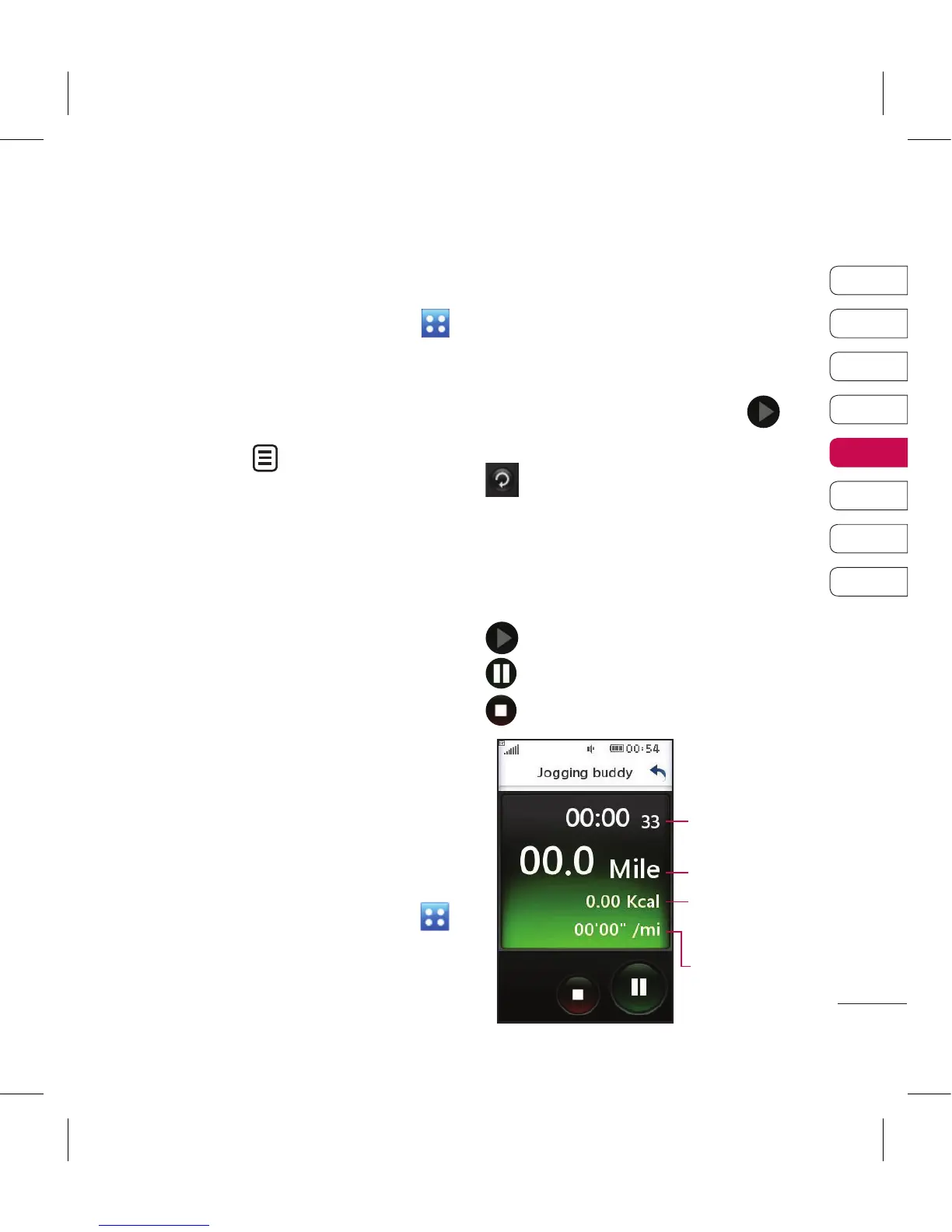
Time
Distance
burned up
Kcal
The time
per mile



 To Next Page