Your photos and videos
Viewing your photos and
videos
1 Touch on your camera
preview screen.
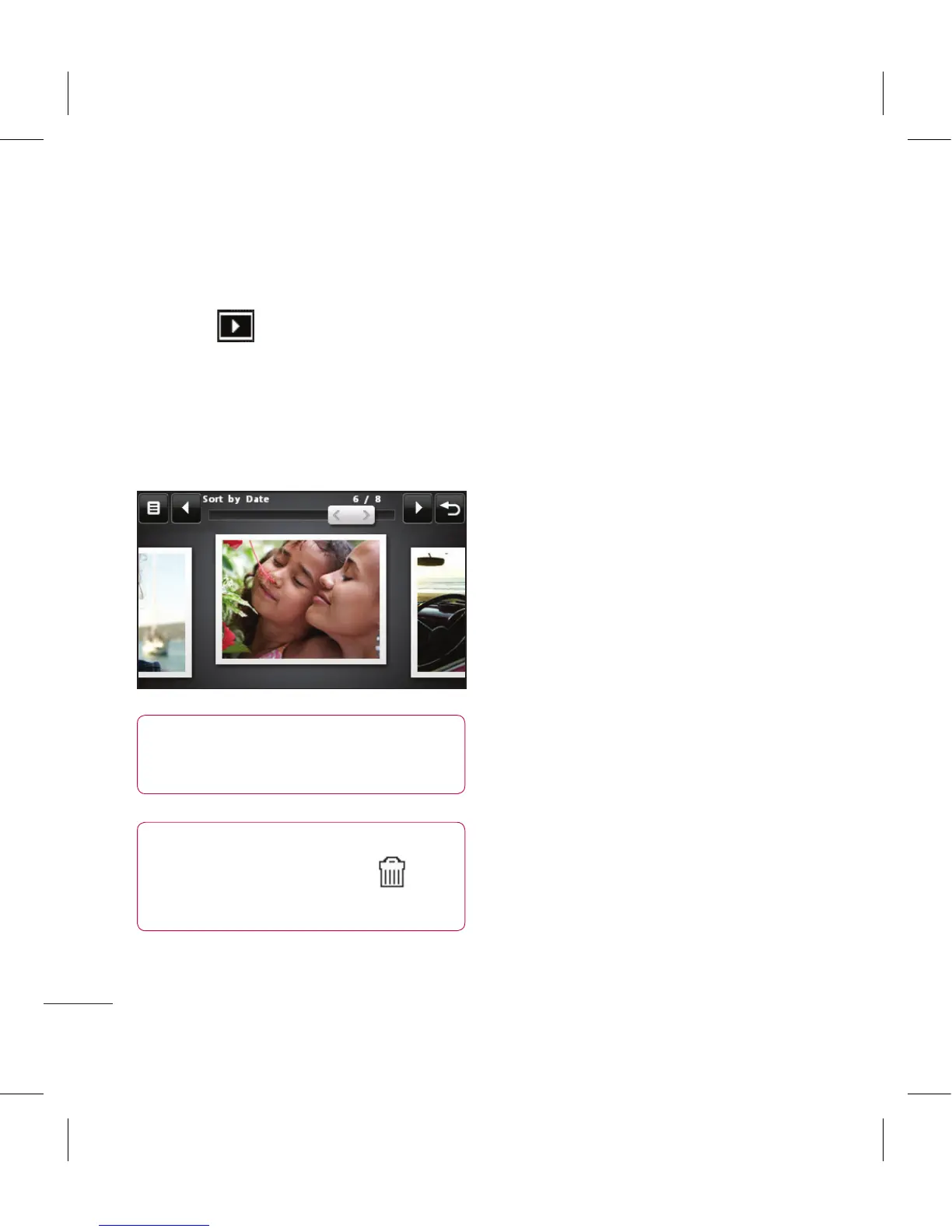
2 Your gallery will appear on screen.
3 Touch the video or photo to open
it fully.
TIP! Flick left or right to
view other photos or videos.
TIP! To delete a photo or
video, open it and select .
Touch Yes to conrm.
Using zoom when viewing a
video or photo
To zoom in press
+
repeatedly.
To zoom out press –. Use the
thumbnail in the bottom right
corner to move the focus area.
Adjusting the volume when
viewing a video
To adjust the volume of the audio
on a video whilst it is playing, touch
the volume bar on the left side of
the screen. Alternatively, use the
volume keys on the side of the
phone.



 To Next Page