16
PREPARATION
Installation
Installation Precautions
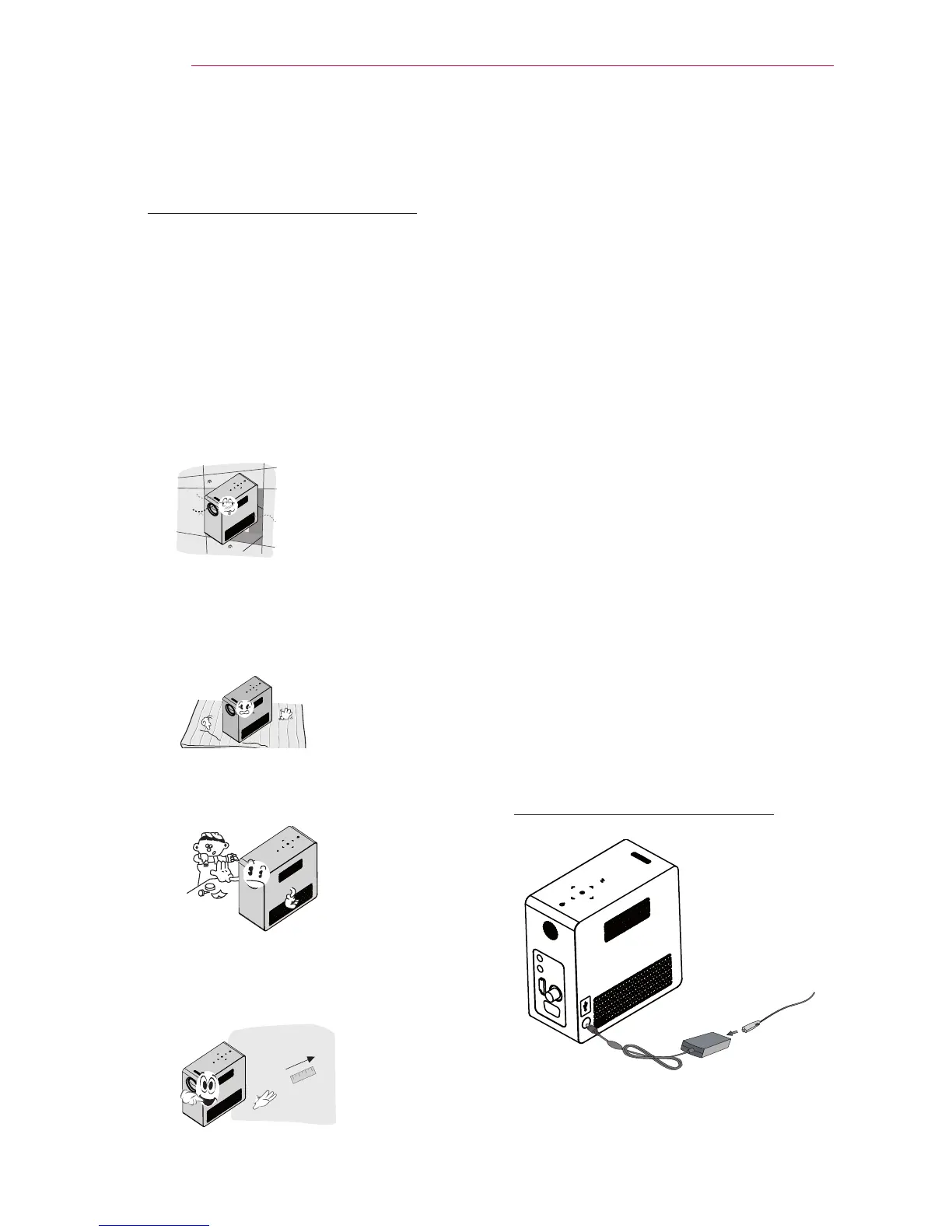
Place the projector in a
well-ventilated environment.
- To prevent internal heat from build-
ing up, install the projector in a well-
ventilated place.
Do not place anything near the pro-
jector as this may block the air vents.
If the air vents are blocked, the inter-
nal temperature will increase.
- Do not place the projector on a
carpet or rug. Do not block any vents
on the bottom
and use the projector
on a leveled solid surface
.
- Be sure to prevent foreign objects
such as paper debris from entering
the projector.
- Leave an adequate open area
(30 cm (11.8 inches) or more)
around the projector.
Do not place the projector in a hot or
humid environment.
- Do not place the projector in a hot,
cold, or humid environment.
Do not place the projector in a place
where it will easily attract dust.
- This may cause a fire.
Never open any cover on the projec-
tor. There is a high risk of electric
shock.
The projector is manufactured using
high-precision technology. You may,
however, see tiny black dots and/
or bright colored dots (red, blue or
green) that continuously appear on
the projector screen. This is a normal
result of the manufacturing process
and does not indicate a malfunction.
The remote control may not work
in an environment where a lamp
equipped with electronic ballasts or
a three-wavelength fluorescent lamp
is installed. Replace the lamp with an
internationally standardized lamp for
the remote control to work normally.
Connecting an adapter
Connect the DC adapter plug to the power
input jack on the projector.



 To Next Page