55
CUSTOMIZING SETTINGS
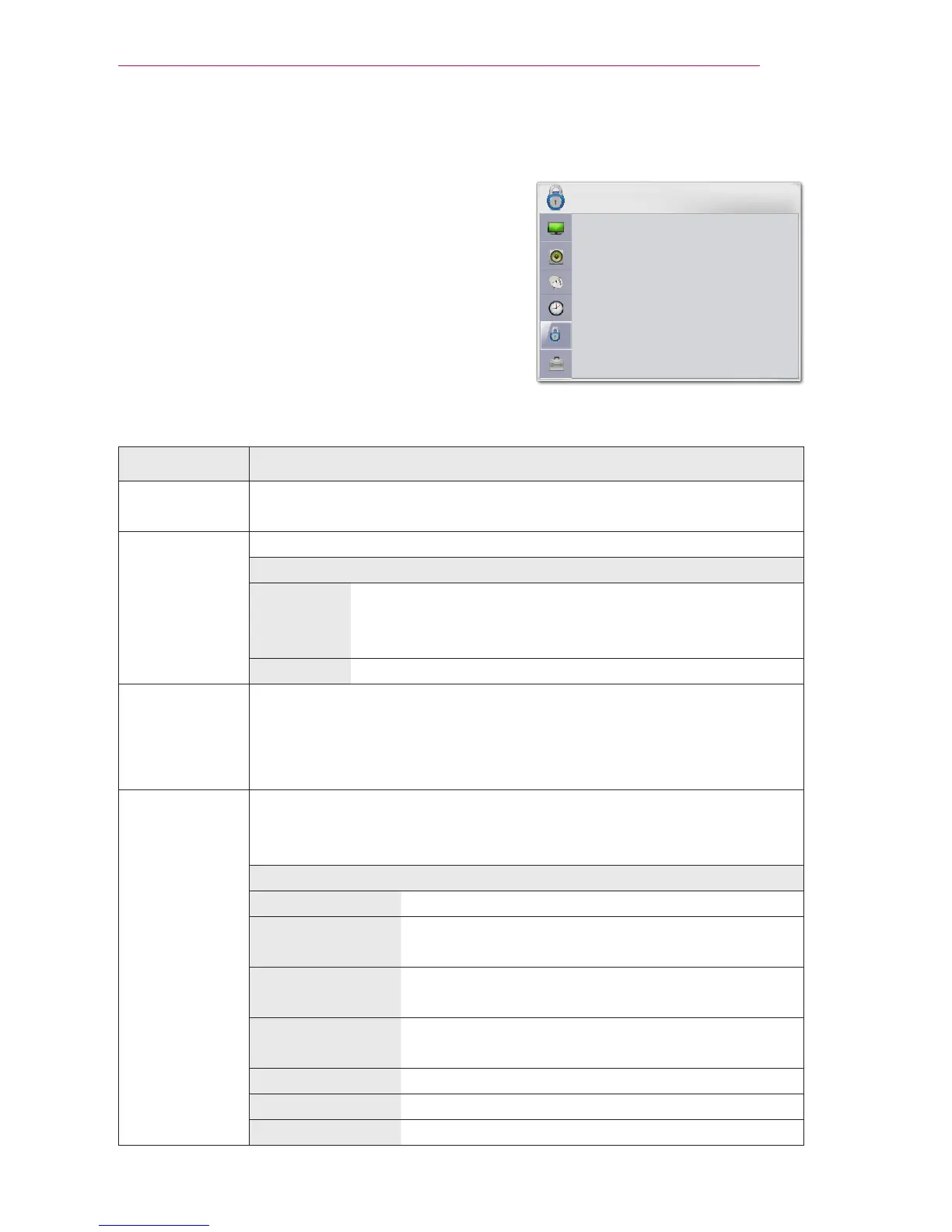
LOCK Settings
1 Press the SETTINGS button.
2 Press the Navigation buttons to scroll to L
OCK
and press OK.
3 Press the Navigation buttons to scroll to the
setting or option you want and press OK.
- To return to the previous menu, press the
button.
The available lock settings are described in the following.
Setting Description
Set Password Changes the 4-digit password. The default PIN is 0 0 0 0.
If you forget your password, press 1-2-9-4-7-2 on the remote control.
Lock System Activates or deactivates the lock system.
Option
Off Locks the selected channel. When you enter the
password for a locked channel, the channel is unlocked
temporarily.
On Locks the selected input.
Block Channel
Blocks the channels that contain inappropriate contents for children.
The channels can be selected but the screen is blanked and the audio is
muted.
To watch a locked channel, enter the password.
Movie rating Blocks the movies that are only broadcasted on the projector
and contain inappropriate contents, based on the Motion Picture
Association of America (MPAA) rating.
Rating
G General audiences – All ages admitted
PG Parental guidance suggested – Some material
may not be suitable for children
PG-13 Patents strongly cautioned – Some material may
be inappropriate for children under 13
R Restricted – Under 17 requires accompanying
parent or adult guardian
NC-17 No one 17 and under admitted.
X Adults only
Blocking Off Permits all programs



 To Next Page