57
CUSTOMIZING SETTINGS
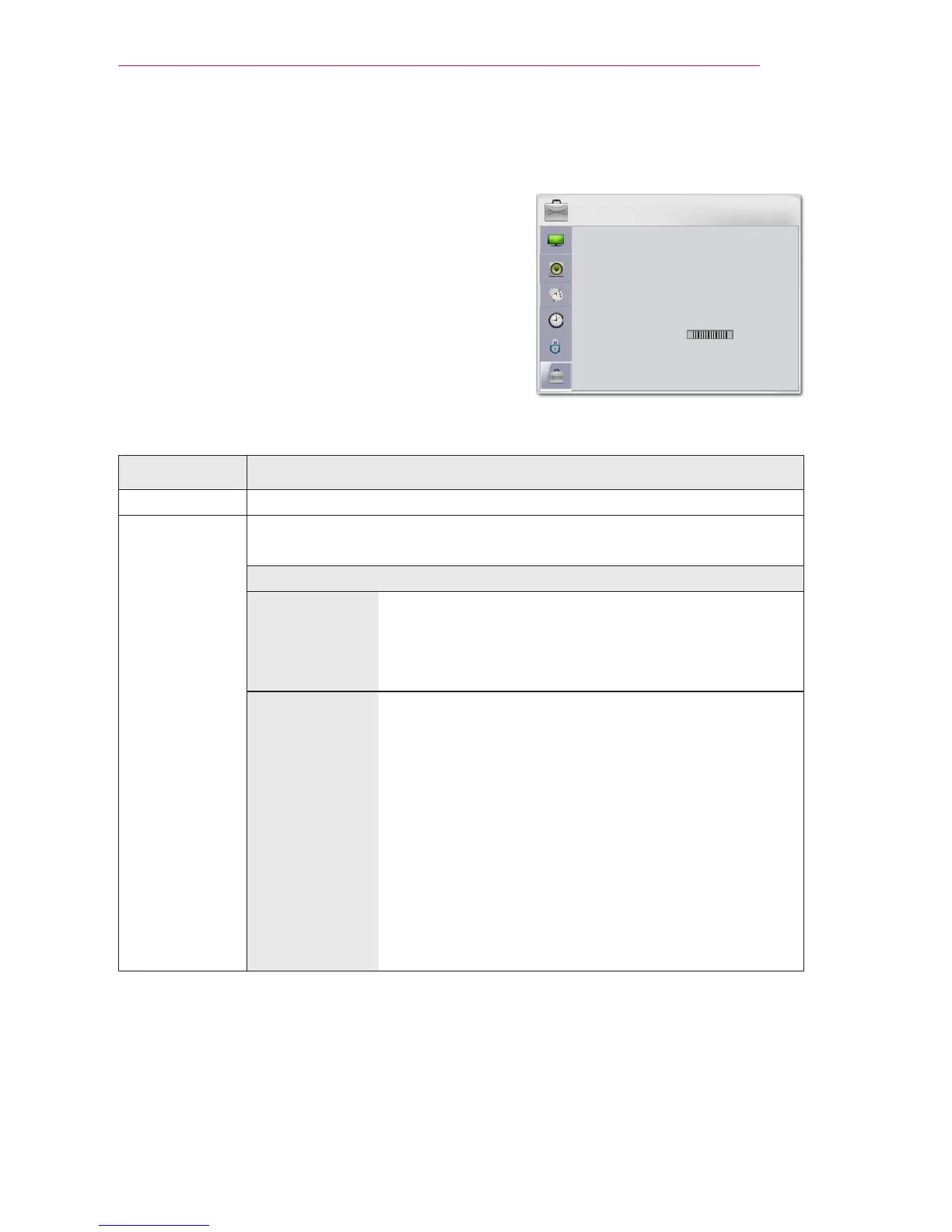
OPTION Settings
1 Press the SETTINGS button.
2 Use the or button to select OPTION
and press the OK button.
3 Use the orbutton to set up a desired
item and press theOK button.
- To return to the previous menu, press the
button.
The available option settings are described as follows.
Setting Description
Language Selects a desired Menu Language.
SCREEN
SHARE
The SCREEN SHARE displays the screen of the connected device.
You can check the SCREEN SHARE's ID.
Mode
Group This is the Group setting for each device supporting
the SCREEN SHARE feature. When the wireless
connection is weak or unstable, adjust the Group
setting to correct the problem.
Channel You can change the channel used for wireless
connections.
Search Channels: Select channel searching
methods.
- Auto: The projector searches for available
channels and automatically selects the least used
channel.
- Manual: You can select a channel manually.
Channel: This is shown when Search Channels is
set to Manual. It allows you to specify a channel
number to use.



 To Next Page