52
CUSTOMIZING SETTINGS
AUDIO Settings
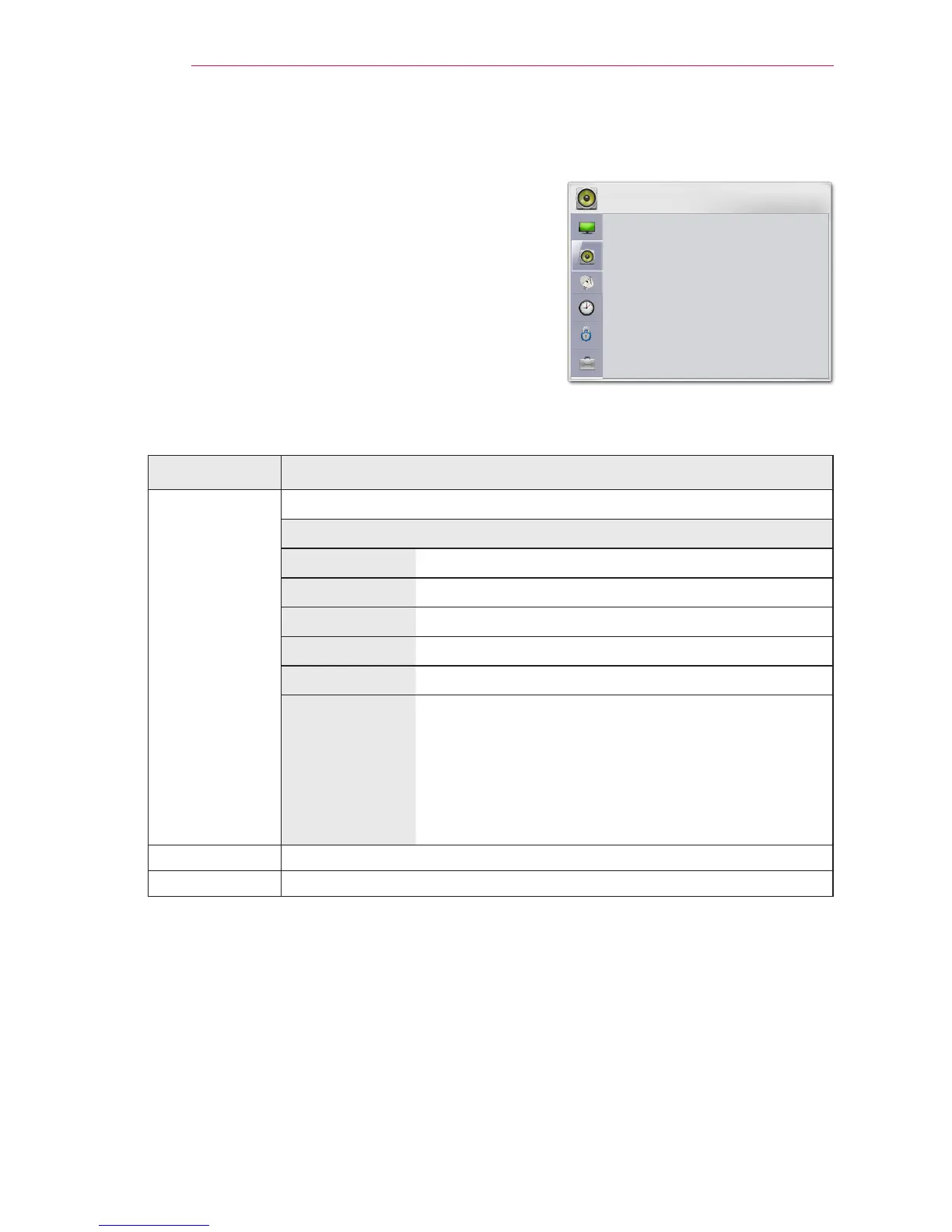
1 Press the SETTINGS button.
2 Use the buttons to selectAUDIO
and press the OK button.
3 Use the button to set up a desired
item and press the OK button.
- To return to the previous menu, press the
button.
The available audio settings are described as follows.
Setting Description
Sound Mode Adjusts sound.
Option
Standard Select when you want standard-quality sound.
Music Select when you listen to music.
Cinema Select when you watch movies.
Sport Select when you watch sports events.
Game Select when you play games.
User setting Adjusts the volume to the desired level using the
User EQ.
Audio-band(100Hz / 300Hz/ 1kHz/ 3KHz/
10KHz) can be adjusted from -10 to 10
Reset: Restores all the settings to the factory
default.
Clear Voice II Makes the voice from the projector crisp and clear.
Auto Volume Automatically adjusts the volume level.



 To Next Page