53
CUSTOMIZING SETTINGS
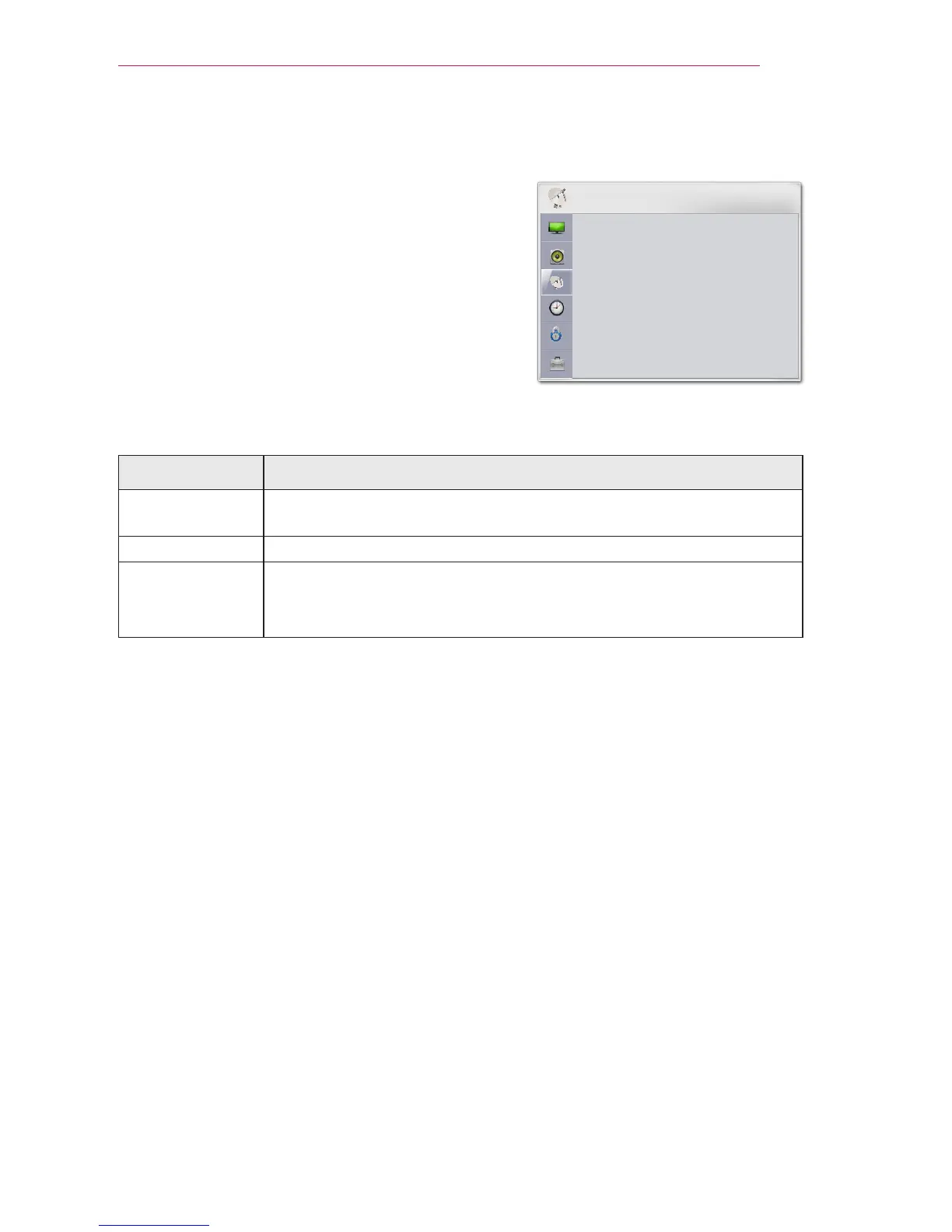
CHANNEL Settings
1 Press the SETTINGS button.
2 Use the or button to select
CHANNEL and press the OK button.
3 Use the or button to set up a desired
item and press the OK button.
- To return to the previous menu, press the
button.
The available channel settings are described in the following.
Setting Description
Auto Tuning Tunes and stores all available channels through antennas or cable
inputs.
Manual Tuning Tunes and stores the channels you want manually.
Channel Edit Deletes or remembers a channel.
Block or unblock a channel.
Adds a favorite channel.



 To Next Page