29
USING THE PROJECTOR
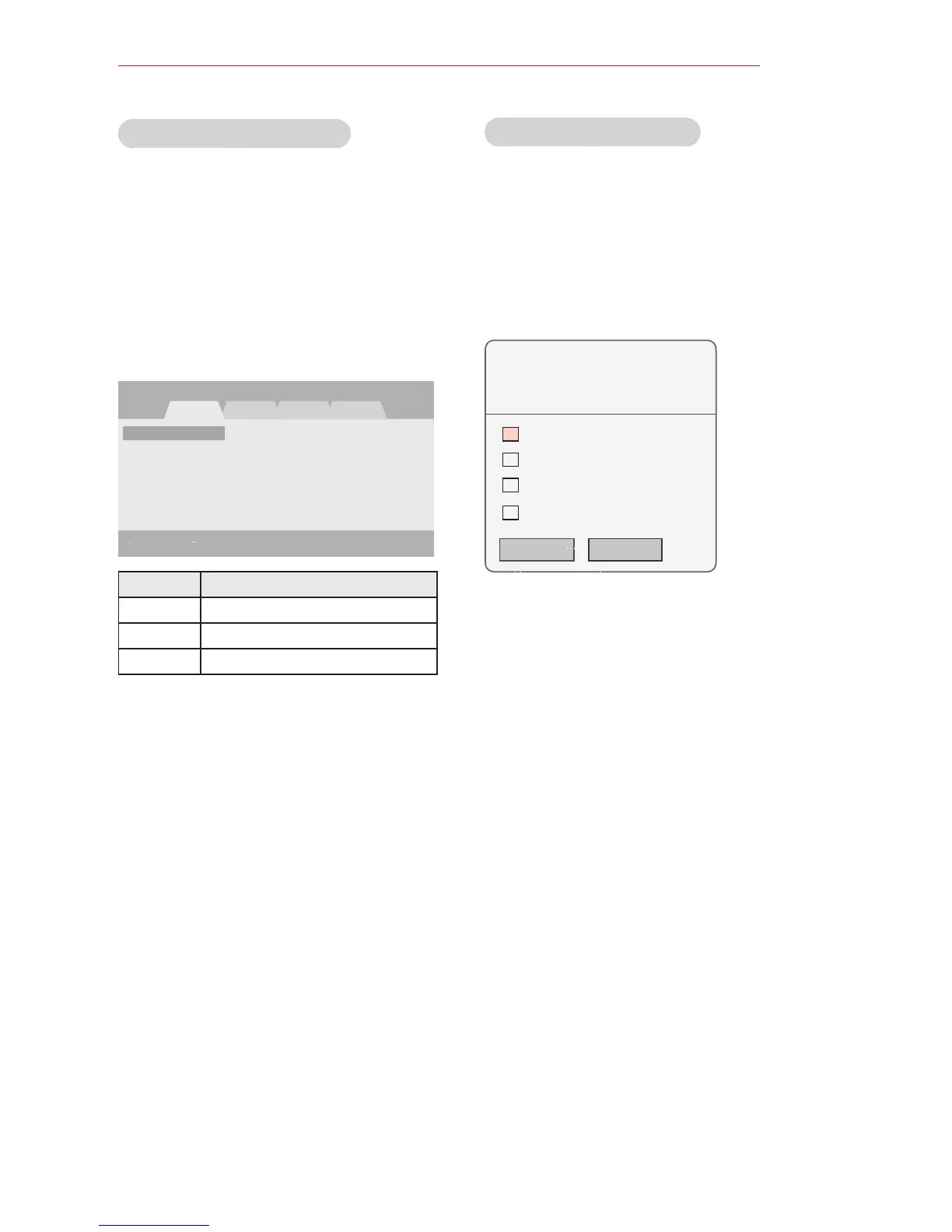
Editing Your Channel List
1 Press SETTINGS to access the
menu.
2 Press the Navigation buttons to scroll
to CHANNEL and press OK.
3 Press the Navigation buttons to scroll
to C
hannel Edit
and press OK.
4 Edit channels using the following
buttons.
Button Description
Red Adds or deletes a channel.
Green Block or unblock a channel.
FAV Adds a favorite channel.
5 When you are finished, press EXIT.
Favorite Channel Setup
1 Move to your desired CHANNEL.
2 Press FAV. to access the Favorite
Channel Group.
3 Press the buttons to scrolls
through channel group.
4 Press the OK button.
Group A
Group B
Group C
Group D



 To Next Page