54
CUSTOMIZING SETTINGS
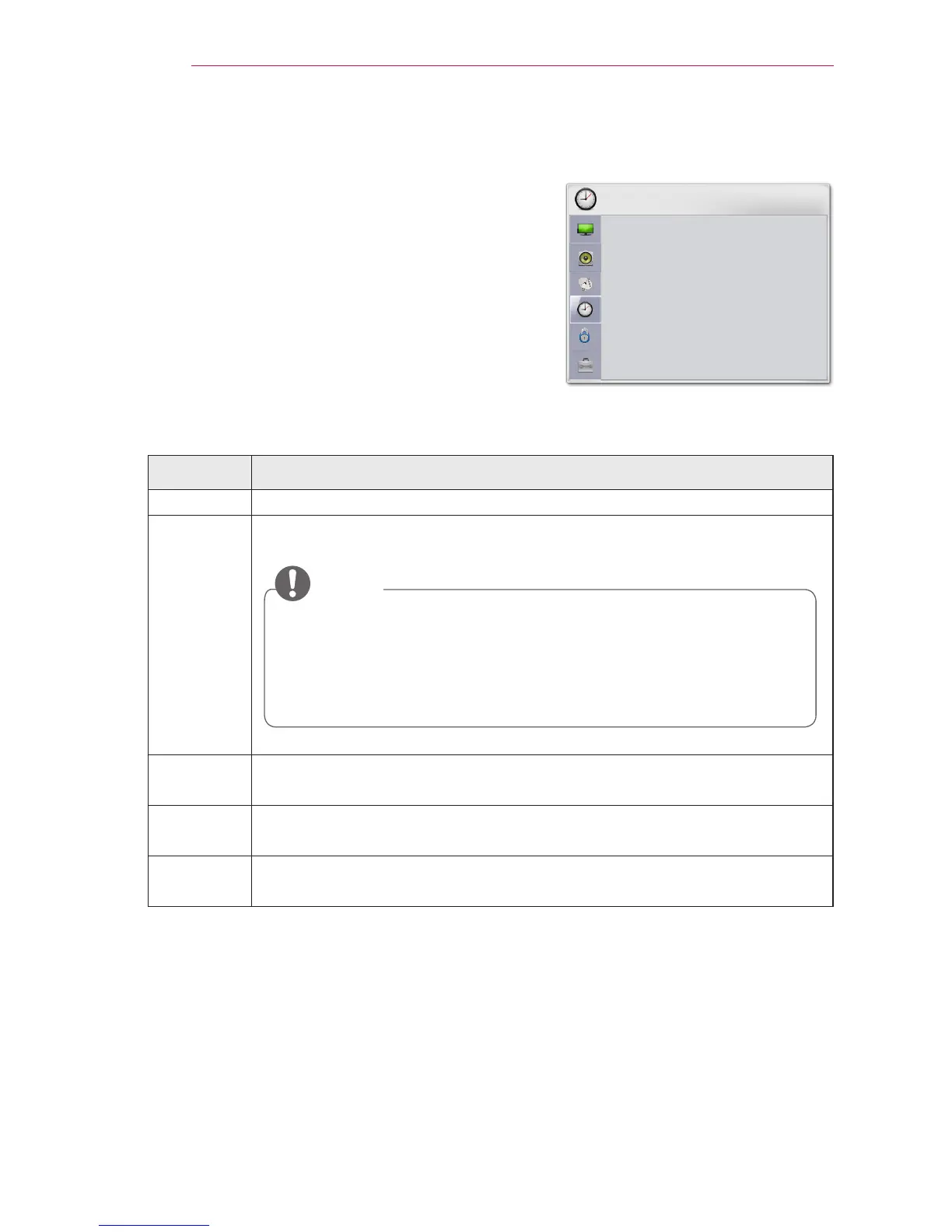
TIME Settings
1 Press the SETTINGS button.
2 Use the or button to selectTIME and
press the OK button.
3 Use the or button to set up a desired
item and press the OK button.
- To return to the previous menu, press the
button.
The available time settings are described as follows.
Setting Description
Clock Sets the time, date, or timer feature.
Off Time
/On Time
Sets the time to turn on or off the projector automatically. To use this
function, you should set the current time and date in advance.
NOTE
If you set both Off time and On time features to the same time,
the Off time feature overrides the On time feature.
If you do not press any button within 2 hours after the projector
turns on by the On Time feature, the projector enters the Standby
mode automatically.
Sleep
Timer
Sets the length of time until the projector turns off.
Auto Off If there is no signal, the projector automatically turns off after the preset
time has elapsed.
Automatic
Standby
If there is no press any button when Automatic Standby function is on,
the projector automatically switches to the standby mode.



 To Next Page