17
PREPARATION
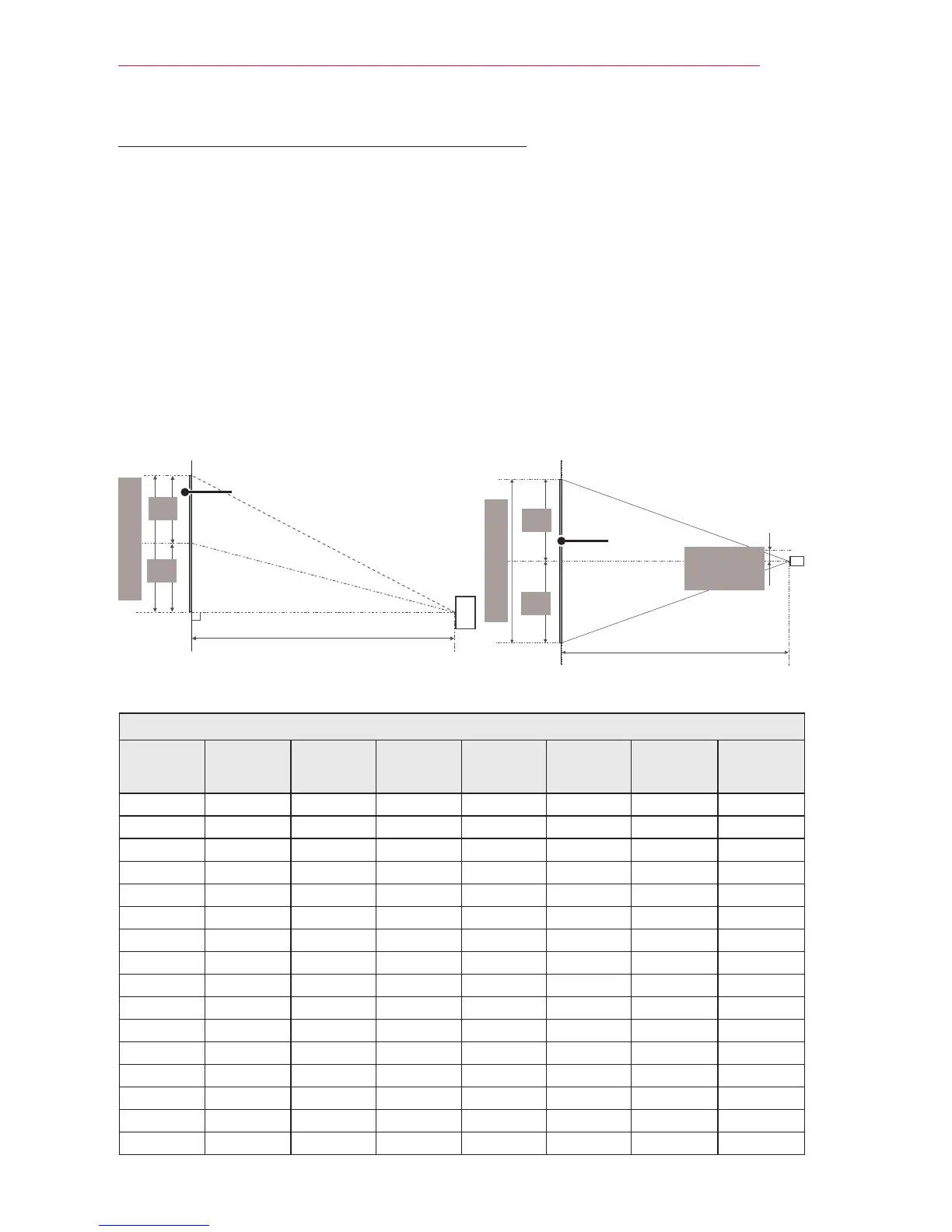
Projection Distance per Screen Size
1 Place the projector on a sturdy, level surface, together with the PC or audio/video
source.
2 Place the projector at an appropriate distance from the screen. The distance
between the projector and the screen determines the actual size of the image.
3 Position the projector so that the lens is set at a right angle to the screen. If the
projector is not set at a right angle, the image on the screen will be tilted and the
image quality will be poor. If the screen image is crooked, use the Keystone function.
4 Connect the power cords of the projector and the connected devices to the wall
outlet.
Ratio of upward projection: 100 %
16:10 Screen
Screen Size
(mm)
Screen Size
(inches)
Screen
Width (Y)
(mm)
Screen
Width (Y)
(inches)
Screen
Height (X)
(mm)
Screen
Height (X)
(inches)
Projection
Distance
(D) (mm)
Projection
Distance
(D) (inches)
635 25 538 21.1 337 13.2 803 31.6
762 30 646 25.4 404 15.9 966 38.0
889 35 754 29.6 471 18.5 1130 44.4
1016 40 861 33.8 539 21.2 1293 50.9
1143 45 969 38.1 606 23.8 1456 57.3
1270 50 1077 42.4 673 26.4 1619 63.7
1397 55 1185 46.6 741 29.1 1783 70.1
1524 60 1292 50.8 808 31.8 1946 76.6
1651 65 1400 55.1 875 34.4 2109 83.0
1778 70 1508 59.3 943 37.1 2272 89.4
1905 75 1615 63.5 1010 39.7 2436 95.9
2032 80 1723 67.8 1077 42.4 2599 102.3
2159 85 1831 72.1 1145 45.0 2762 108.7
2286 90 1938 76.2 1212 47.7 2925 115.1
2413 95 2046 80.5 1279 50.3 3089 121.6
2540 100 2154 84.8 1347 53.0 3252 128.0
Screen Height (X)
X/2
X/2
Screen Width (Y)
Y/2
Y/2
Screen
Projection distance (D)
Projection distance (D)
Screen
30 mm
(1.1 inches)



 To Next Page