44
ENTERTAINMENT
Options for Photo List
1 Press the Q.MENU button.
2 Use the orbutton to move to a
desired option and press theOK
button.
3 Use orbutton to set up
each item.
Set Photo View.
Setting Description
Slide
speed
Selects a slideshow speed.
BGM
(Back-
ground
Music)
Selects a music folder for
the background music.
You cannot change the
music folder while the
background music is
playing.
For background music,
only the folder from the
same device can be
selected.
Repeat Selects repeat.
Exit Selects random play.
Set Video.
You can change video settings.
(Refer to "PICTURE Settings" on 49 page)
Set Audio.
You can change audio settings.
(Refer to "AUDIO Settings" on 52 page)
MUSIC LIST
You can play audio files stored on the
connected device.
Supported Music Files
*.MP3
Bit rate range 32 Kbps - 320 Kbps
Sampling rate MPEG 1 Layer 3:
32 kHz, 44.1 kHz, 48 kHz
Sampling rate MPEG 2 Layer 3:
16 kHz, 22.05 kHz, 24 kHz
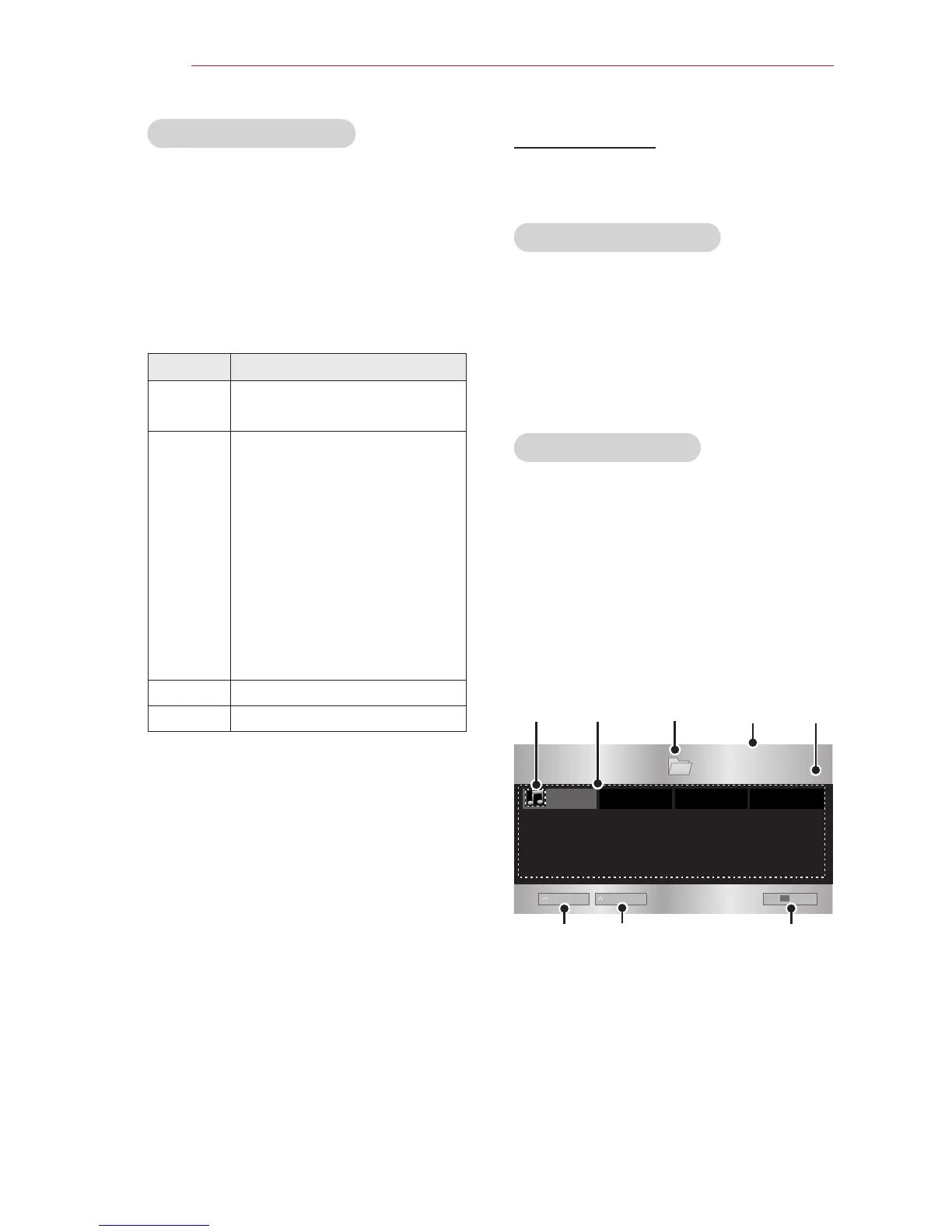
Browsing Music List
1 Connect a USB storage device.
2 Press the SETTINGS button.
3 Accesses the MY MEDIA.
4 Use the button to select
Music List and press the OK button.
5 Use the orbutton to
select the file you want and press the
OK button.



 To Next Page