45
ENTERTAINMENT
Setting Description
Hide Hides the playback bar.
Press the OK button to
make the playback bar
appear.
Exit Returns to the Music List
screen.
Options for Music List
1 Press the Q.MENU button.
2 Use the orbutton to move to a
desired option and press theOK
button.
3 Use orbutton to set up
each item.
Set Audio Play.
Setting Description
Repeat Selects repeat play.
Random Selects random play.
Set AUDIO.
You can change audio settings.
(Refer to "AUDIO Settings" on 52 page)
Description
Thumbnails
Abnormal file
File not supported
File List
Moves to the upper level folder.
Current page/Total no. of folder
pages
Current page/Total no. of file
pages
Moves to the top level folder.
Moves to the upper level folder.
Exit
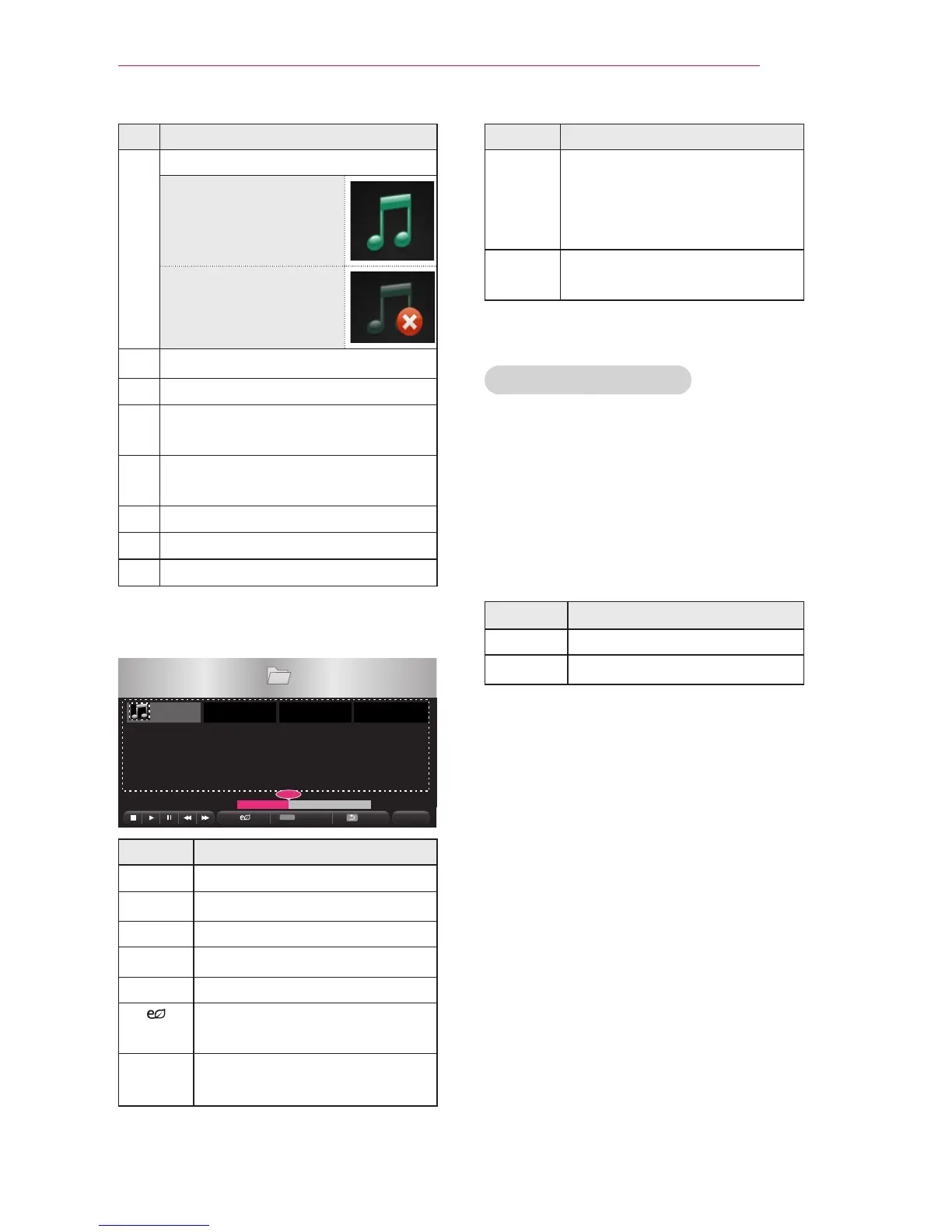
6 Control playback by using the follow-
ing buttons.
Q.MENU
Setting Description
Changes the playing position.
Stops playing.
Returns to normal playback.
Pauses the media player.
Plays the previous/next file.
You can use the Energy Sav-
ing mode.
Option Sets up the options of Music
List.



 To Next Page