30
USING THE PROJECTOR
Using Additional Options
Adjusting Aspect Ratio
You can change the image size by
pressing Q.MENU or SETTINGS.
NOTE
Some options may not be available
depending on input signals.
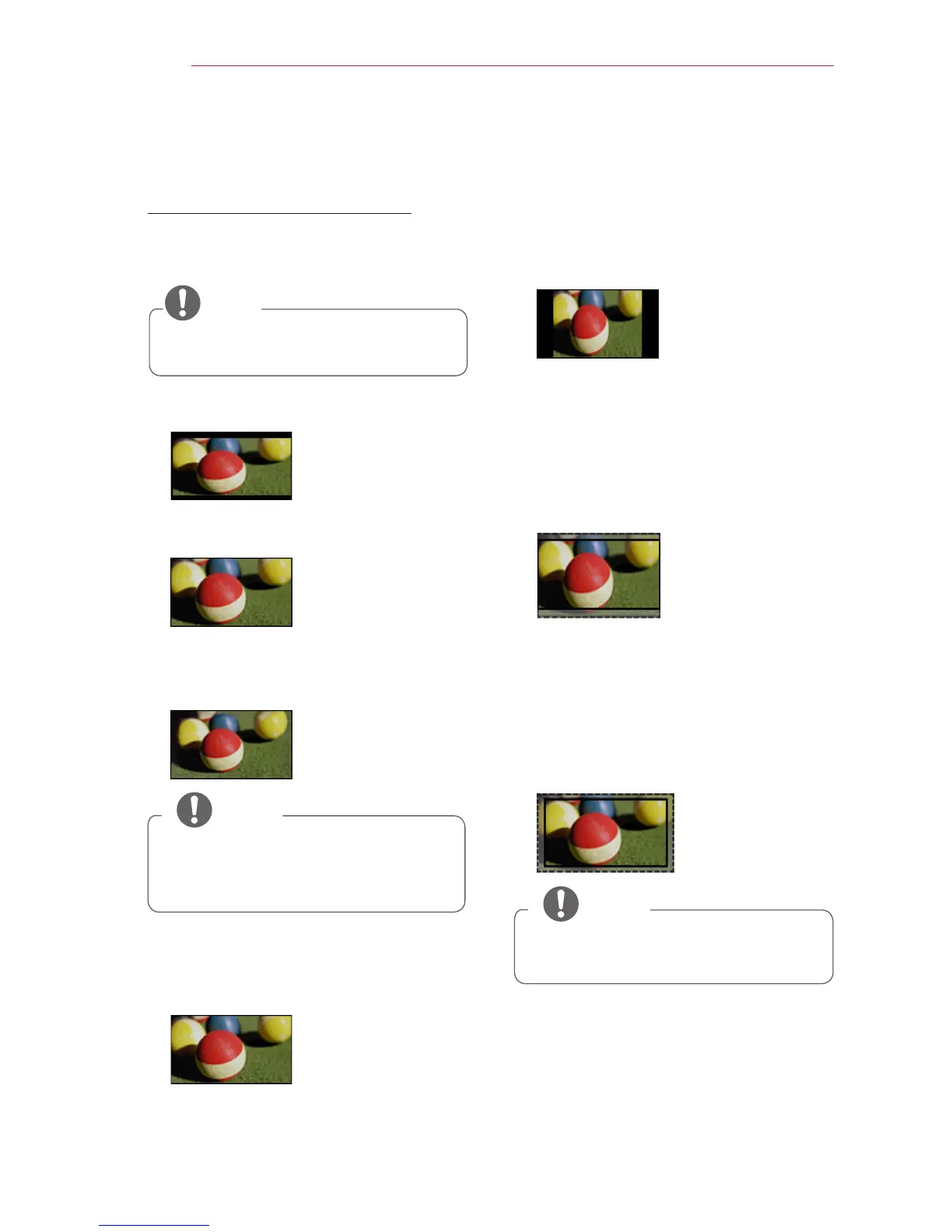
- 16:9: Resizes images to fit the
screen width.
- FULL: Changes to the full screen
regardless of the aspect ratio.
- Just Scan: Displays video images in
the original size without cutting off
the edges.
NOTE
If you select Just Scan, you may see
image noise at the edge or edges
of the screen.
- Set By Program: Displays images in
the same aspect ratio as the original
image.
- 4:3: Resizes images to the 4:3
aspect ratio.
- Zoom: Enlarges an image to fit the
screen width. The top and bottom of
the image may be truncated.
Press the
or
button to zoom in
or out of the image.
Press the
or
button to move
the image.
- Cinema Zoom 1: Formats an image
to the cinemascope ratio, 2.35:1. It
ranges from 1 to 16.
Press the
or
button to zoom in
or out of the image.
Press the
or
button to move
the image.
NOTE
If you enlarge or reduce an image,
the image may be distorted.



 To Next Page