36
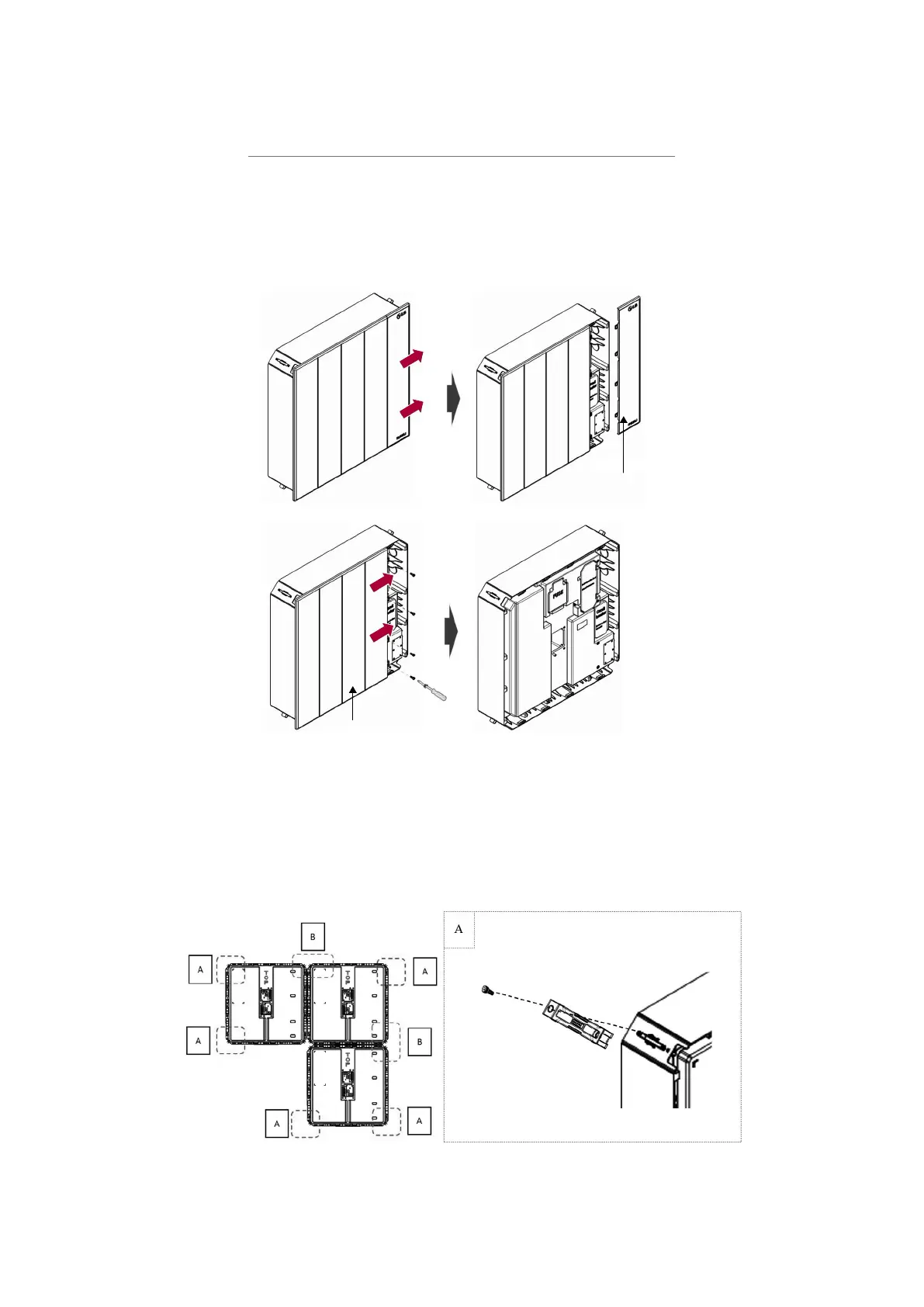
4. Remove LED Cover and Design Cover of the BPU
Remove LED Cover and Design Cover of the BPU
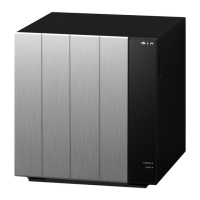
1) Slide and remove the LED Cover of the BPU.
2) Unscrew the 4 bolts on the right side of the BPU as illustrated below.
3) Slide and remove the Design Cover of the BPU.
LED Cover
Design Cover
5. Once all the BMAs and BPU are installed, assemble the Corner
Brackets on all corners of the BMAs and BPU.
(A : Corner Bracket 1ea, B : Corner Bracket 2ea)


 To Next Page