33
SMART APPLICATION FUNCTION
Product registration can be done using the "Wi-Fi" function for Robot cleaner.
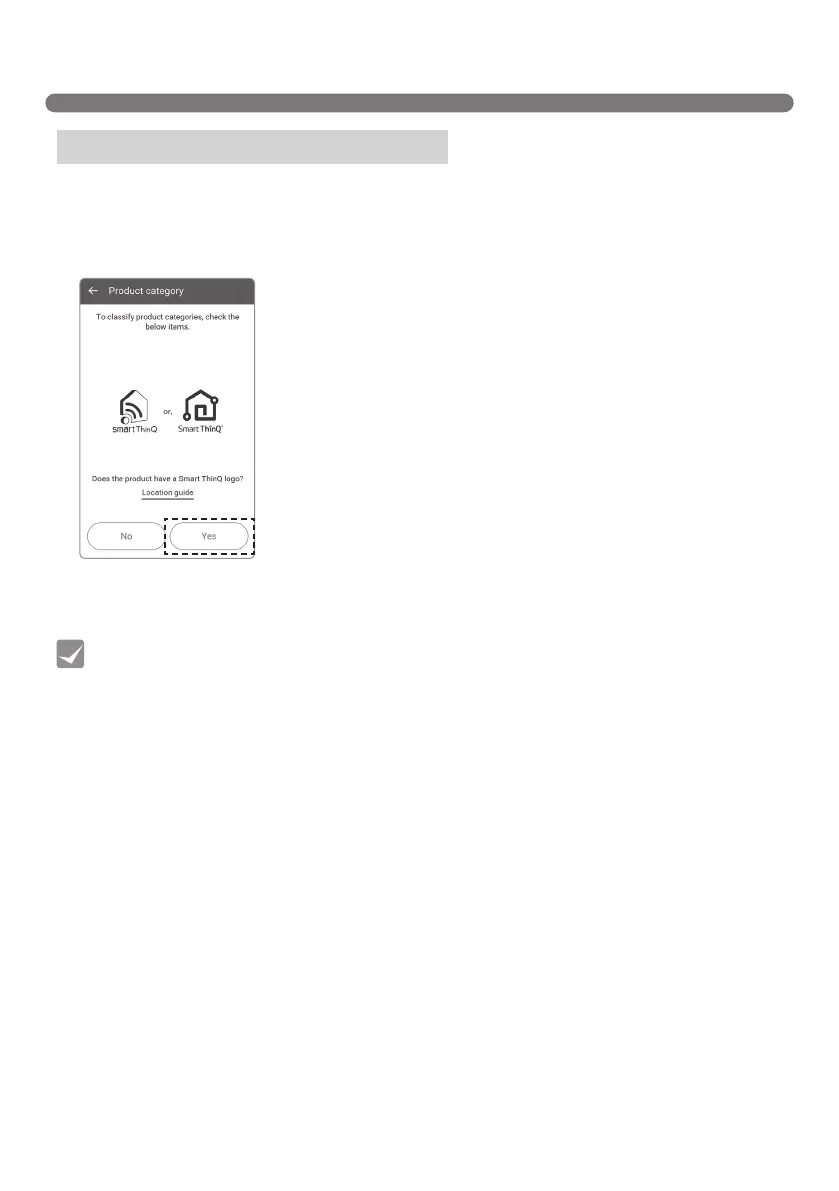
1. Check whether the "Smart ThinQ" mark is printed or not.
If there is a “Smart ThinQ” mark on the product, press the "Yes" button.
Wi-Fi / Register product (Android)
• Registering the product is required for the initial connection only; you can then connect to the
Robot Cleaner thereafter without having to repeat this process.
Tip
[Product category]



 To Next Page