46
SMART APPLICATION FUNCTION
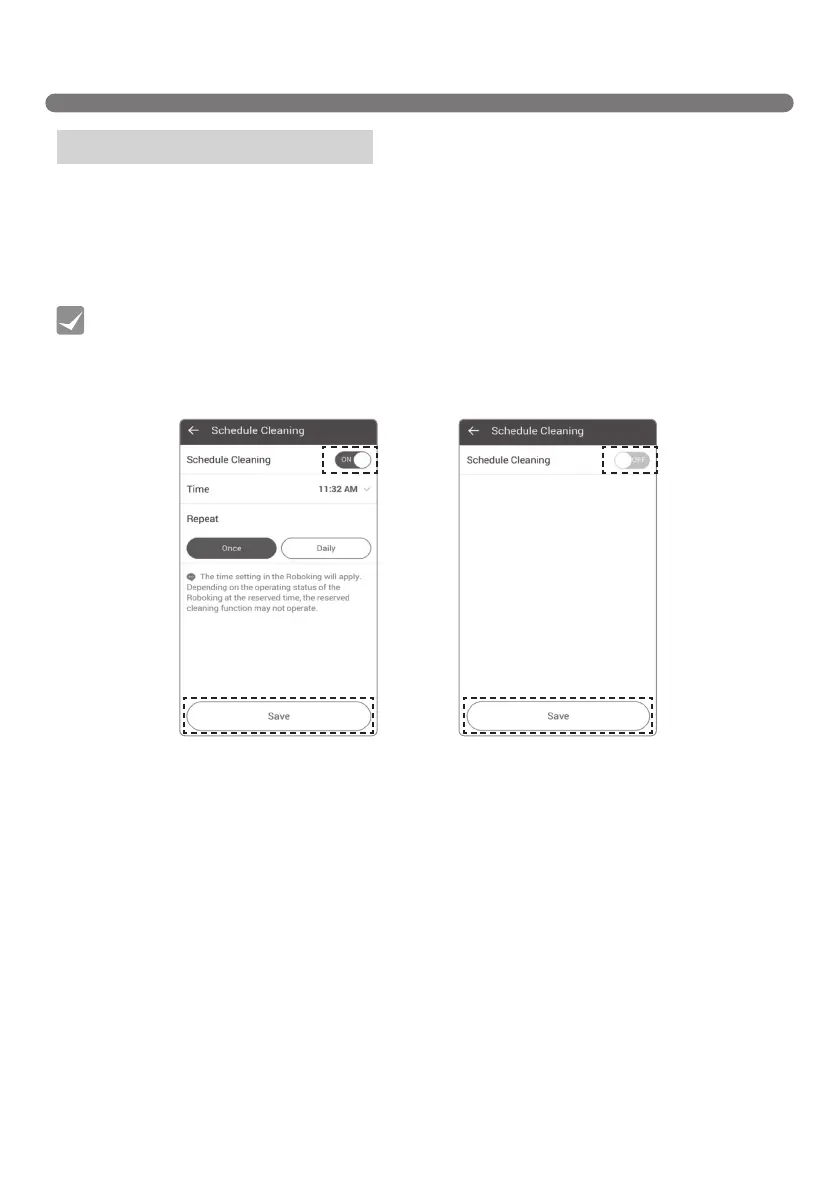
You can schedule the time you want the Robot Cleaner to start cleaning.
To set up Schedule cleaning, toggle across the Schedule cleaning key to turn it on or off in the Schedule
cleaning menu. After enabling Schedule cleaning, set up the time and repetition, and then click "Save" to
complete scheduling.
Menu – Schedule Cleaning
• The Schedule cleaning menu on the application has the same function as that of the remote
control. Refer to Schedule cleaning on page 25.
• Setting up or starting Schedule cleaning can only be done whilst the Robot Cleaner is
charging.
Tip
[With Schedule cleaning on] [With Schedule cleaning off]



 To Next Page