45
SMART APPLICATION FUNCTION
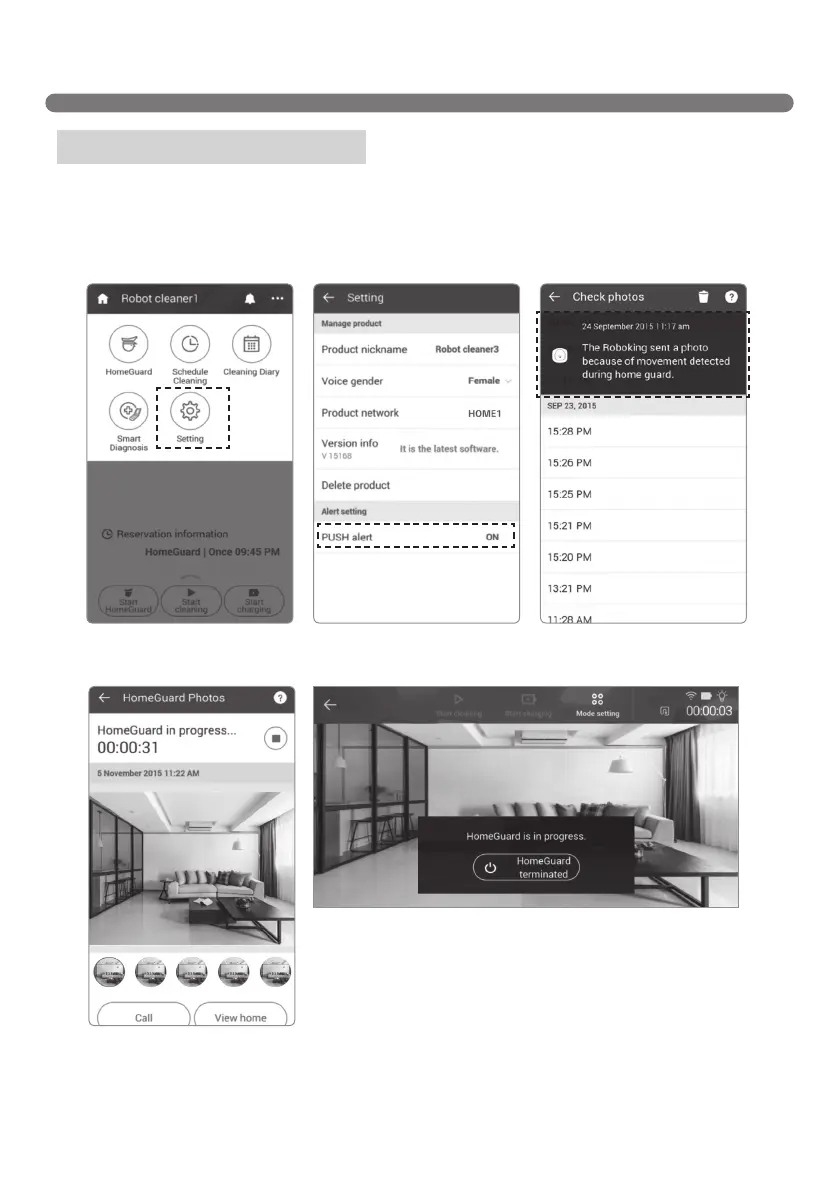
Upon detecting any movement while in HomeGuard mode, the Robot Cleaner takes pictures and sends
an alert to your smartphone. Press "Confirm" on the alert pop-up to view the picture or use the "Call" "View
home". "Call" switches the screen to the phone interface; "View home" opens the Home View mode.
You can change the alert setting in "setting."
Menu - HomeGuard (Alert)
[HomeGuard alert window][setting screen - Alert enabled][Menu-Setting]
[HomeGuard picture
checking screen]
[HomeView screen]



 To Next Page