Operating Counter
248083389-1 Rev 6-33
WARNING: Be
careful to touch the
screen at the specified
locations only. If
touching the screen
elsewhere during this
process, the screen will
be incorrectly aligned.
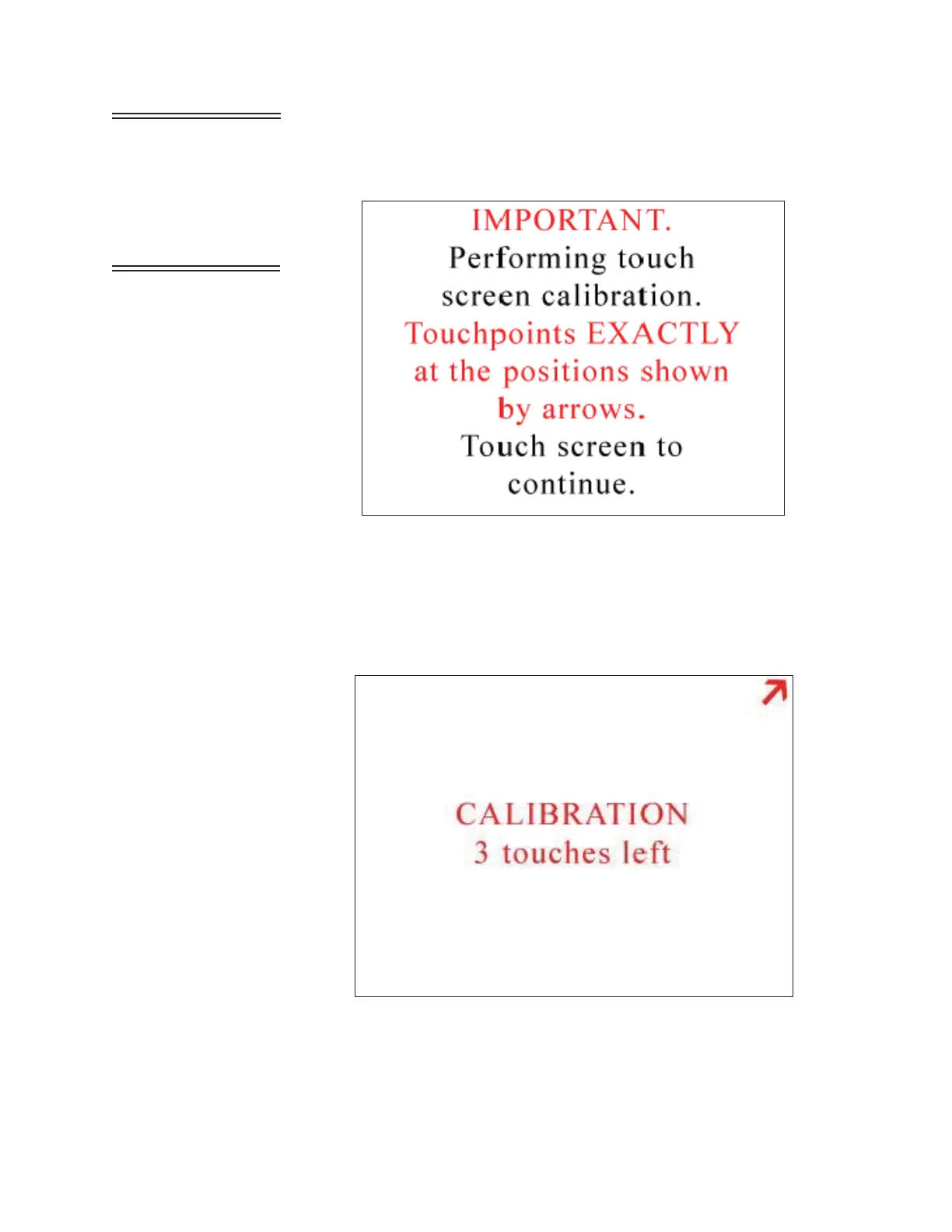
• The screen in Figure 6-42 appears. Touch anywhere on the screen
to continue calibration.
Figure 6-42 Alignment Screen 1
Note:
Using a PDA Stylus
provides higher accuracy to
the touch screen interface.
• At the next screen, touch the arrow displayed in the upper right
corner. This needs to be done a total of three times before
continuing to the next alignment. See Figure 6-43.
Figure 6-43 Alignment Screen 2
Note: If the front panel is
not responding to stimuli
then with the unit powered
off, press and hold center
of touch screen. Then,
power unit on and release
screen and follow the
instructions on screen.










 To Next Page