6
2-3 Configurations
Please refer to Chapter 3 for more detail about the Configurations menu.
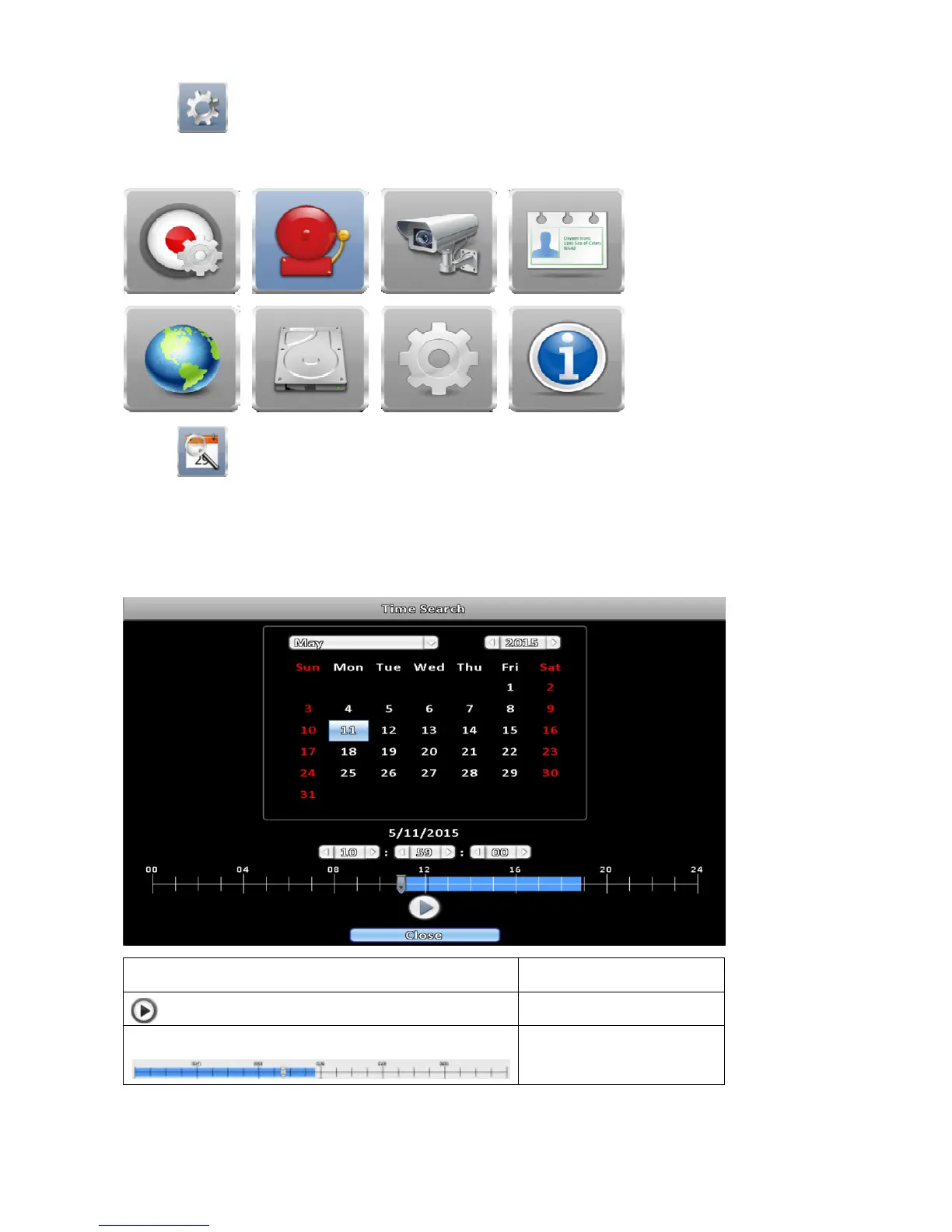
2-4 Time Search
You can search and playback recorded data of specific dates and time. Dates including recordings are
highlighted by a blue rectangle. Click the date to show recording time on that specific day with a time bar. You
can select specific time ( hour / minute / second ) by clicking the time bar, and press OK to playback the
recorded data of the specific date and time.
Icon
Description
Playback button.
Select playback time by
sliding the position of the
cursor on the time bar.



 To Next Page