39
Item Description
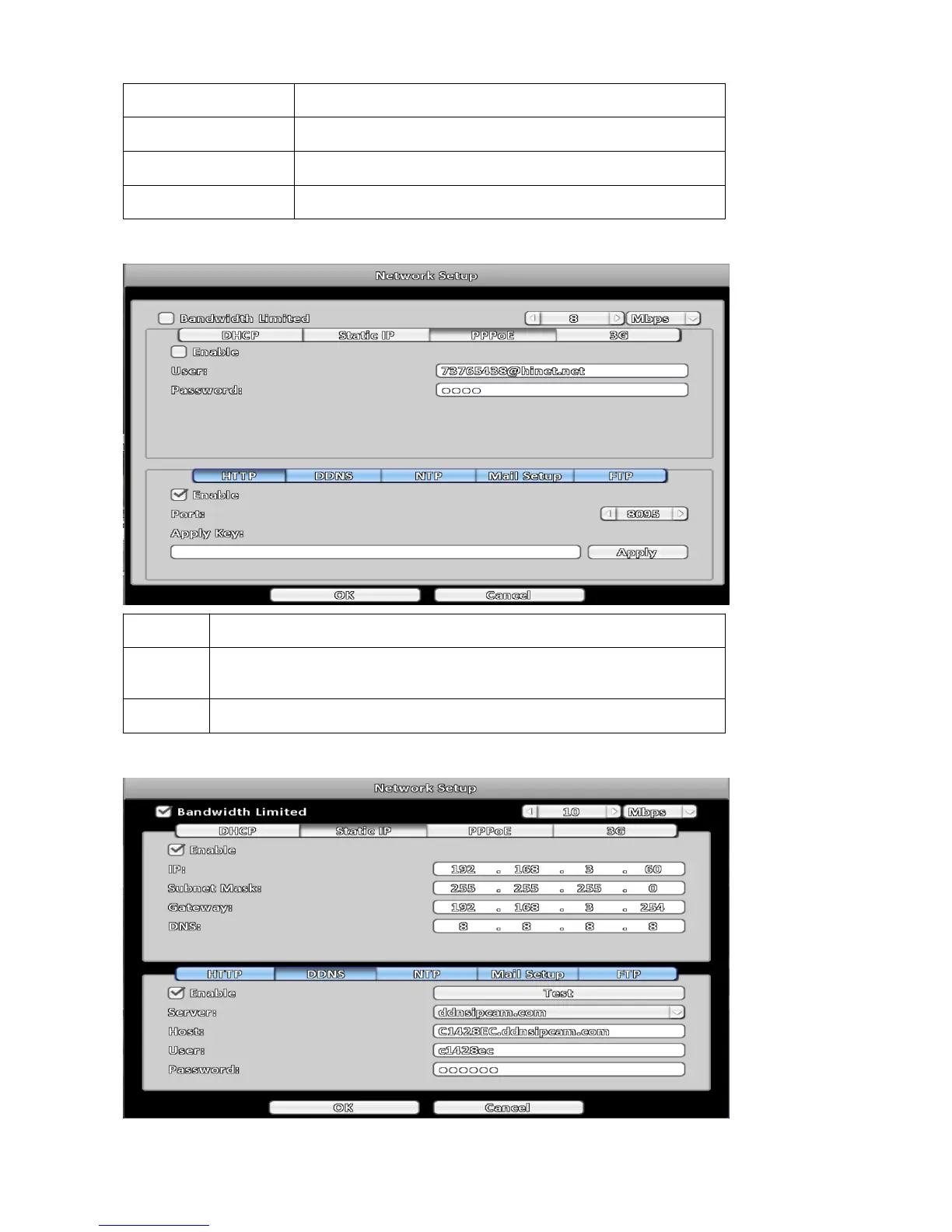
Enable
Enable / Disable PPPOE function.
User
Enter user name provided by ISP.
Password
Enter password provided by ISP.
3-5-2 HTTP
Item Description
Enable
Check to enable HTTP server. Users can remotely access into the DVR over the
network if the HTTP function is activated.
Port
Enter a valid port value from 1 up to 65535. The default value is 80.
3-5-3 DDNS



 To Next Page