5
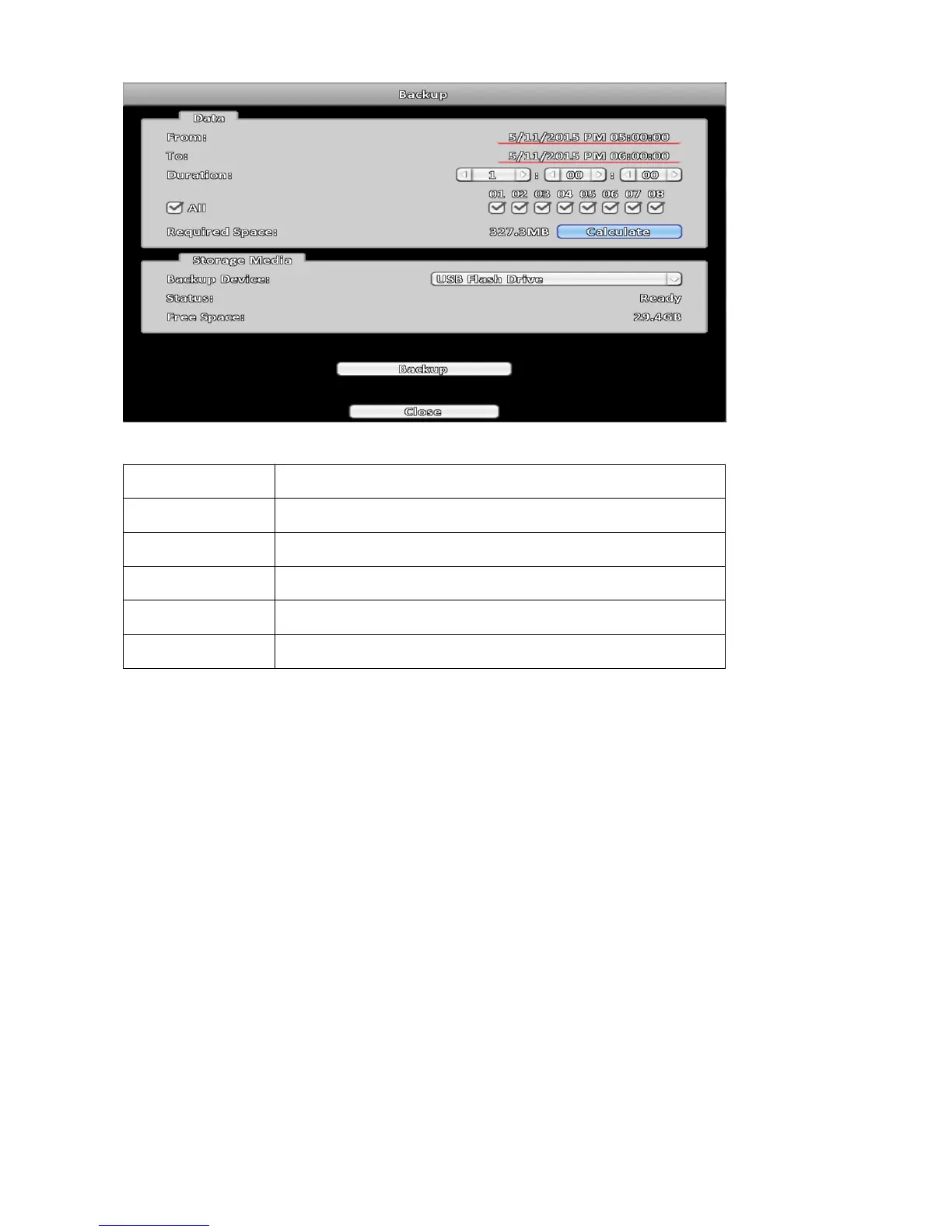
2-2-2 Select Backup Device
Item Description
Backup Start backup operation.
Back Device Select backup target device.
Status Status of target device.
Free Space Free space of target device.
Backup Start backup operation.
Note:
1. Be sure to Calculate the size of backup data before starting the backup operation.
2. Do not remove backup target device or turn off the power during the backup operation.
3. If required remote backup, please execute browser with administrator privileges.



 To Next Page