78
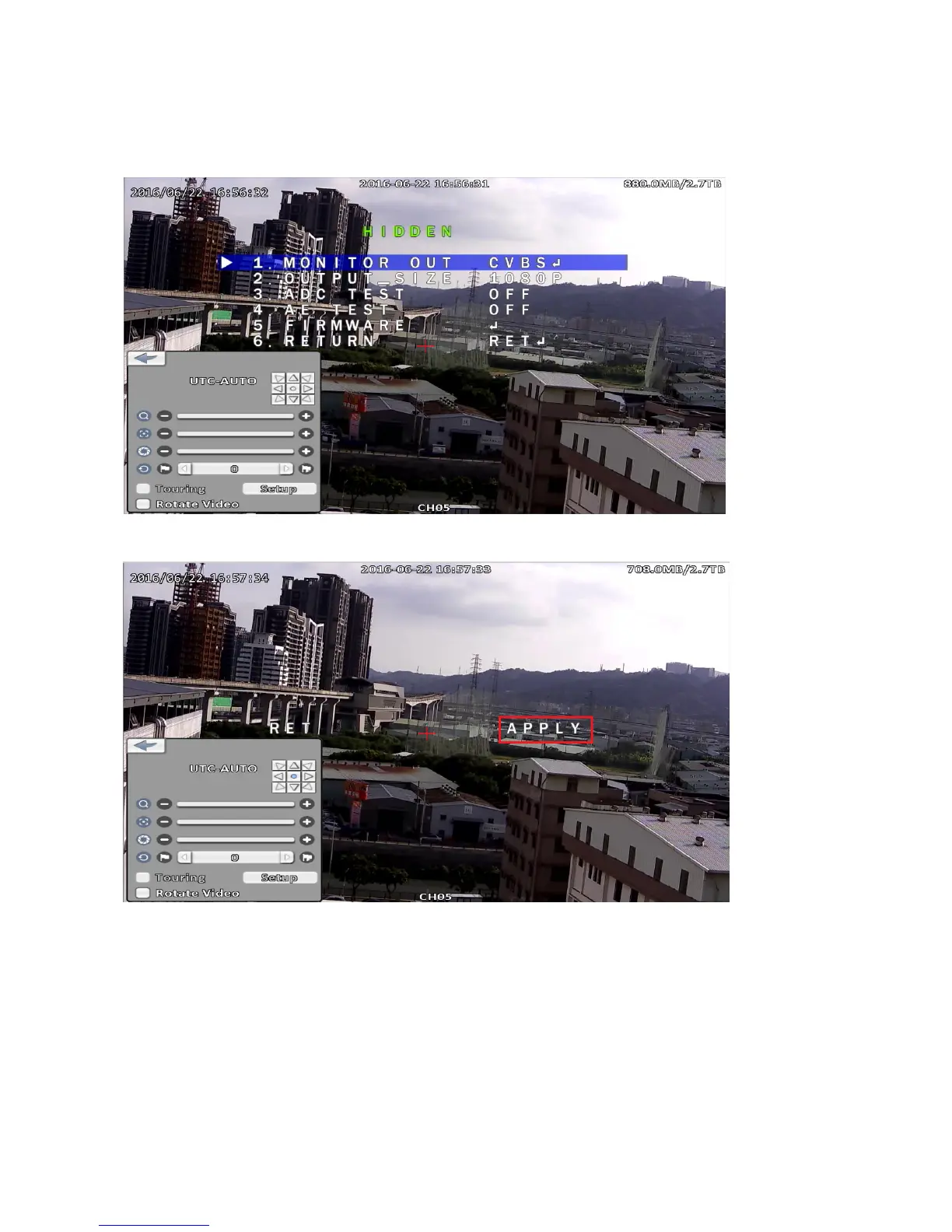
Appendix 3-2 Switch Resolution From 1080p to D1
Step 1:
In the HIDDEN menu of camera, select MONITOR OUT option then click right direction key, switch’
the option value to CVBS.
Step 2:
Click APPLY to perform the changed.
Note:
If a coaxial cable length over 200m and that used to connect a DVR, not suggest
using UTC control in that environment.



 To Next Page