8
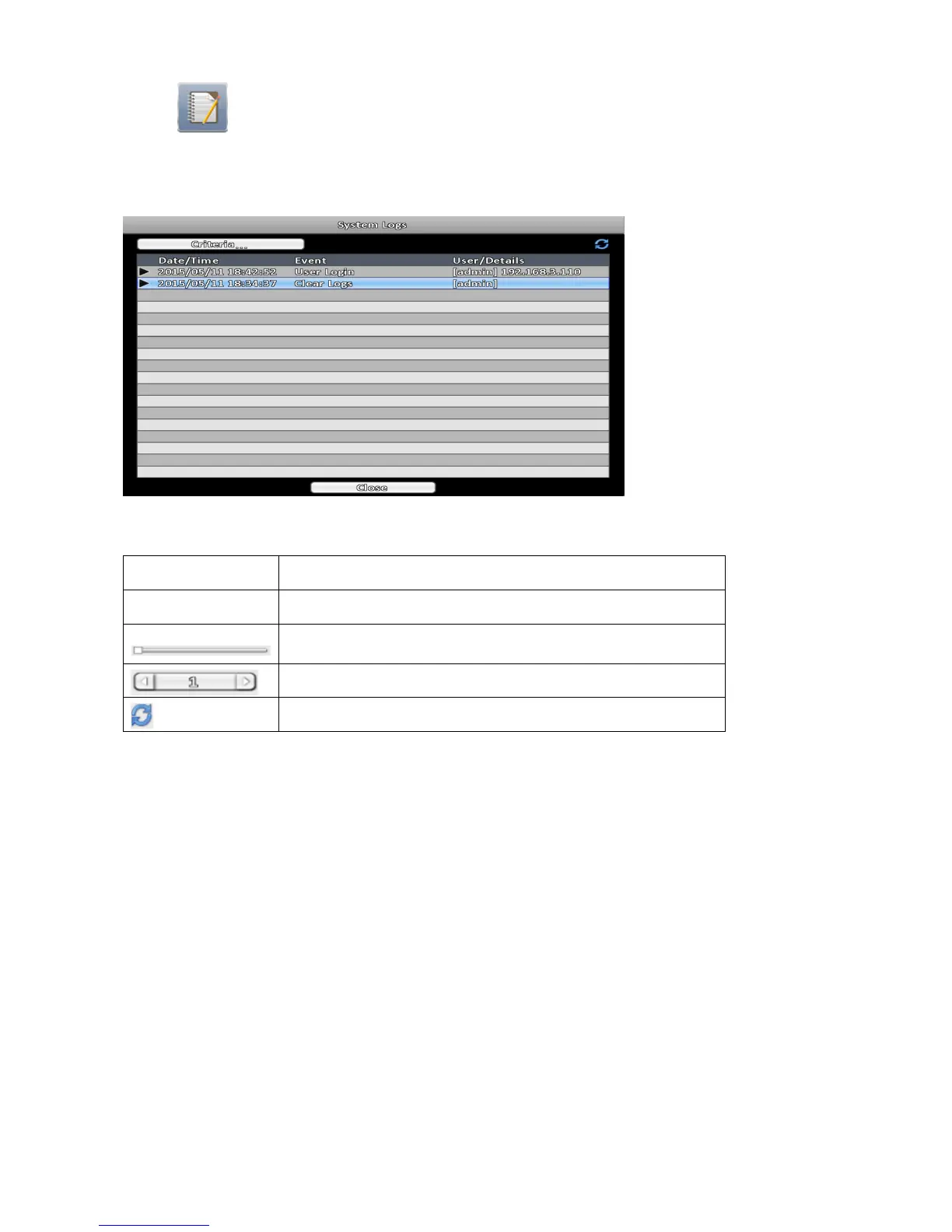
2-5 System Logs
The event list shows all login events, event types, event details, and filtered events. Double-click the gray video
symbol ► on the left of the event to play recordings related to the event.
Note:
If no HDD is installed, or no recorded data exist, the DVR will not play the video even double-click the event.
Icon Description
Criteria Set the conditions for the event search
Slide to jump to a page of the event list. The number shows on the
right side is the current page number
Press left or right arrow to change the page number directly.
Refresh the system logs.



 To Next Page