2
Chapter 2: Main Menu
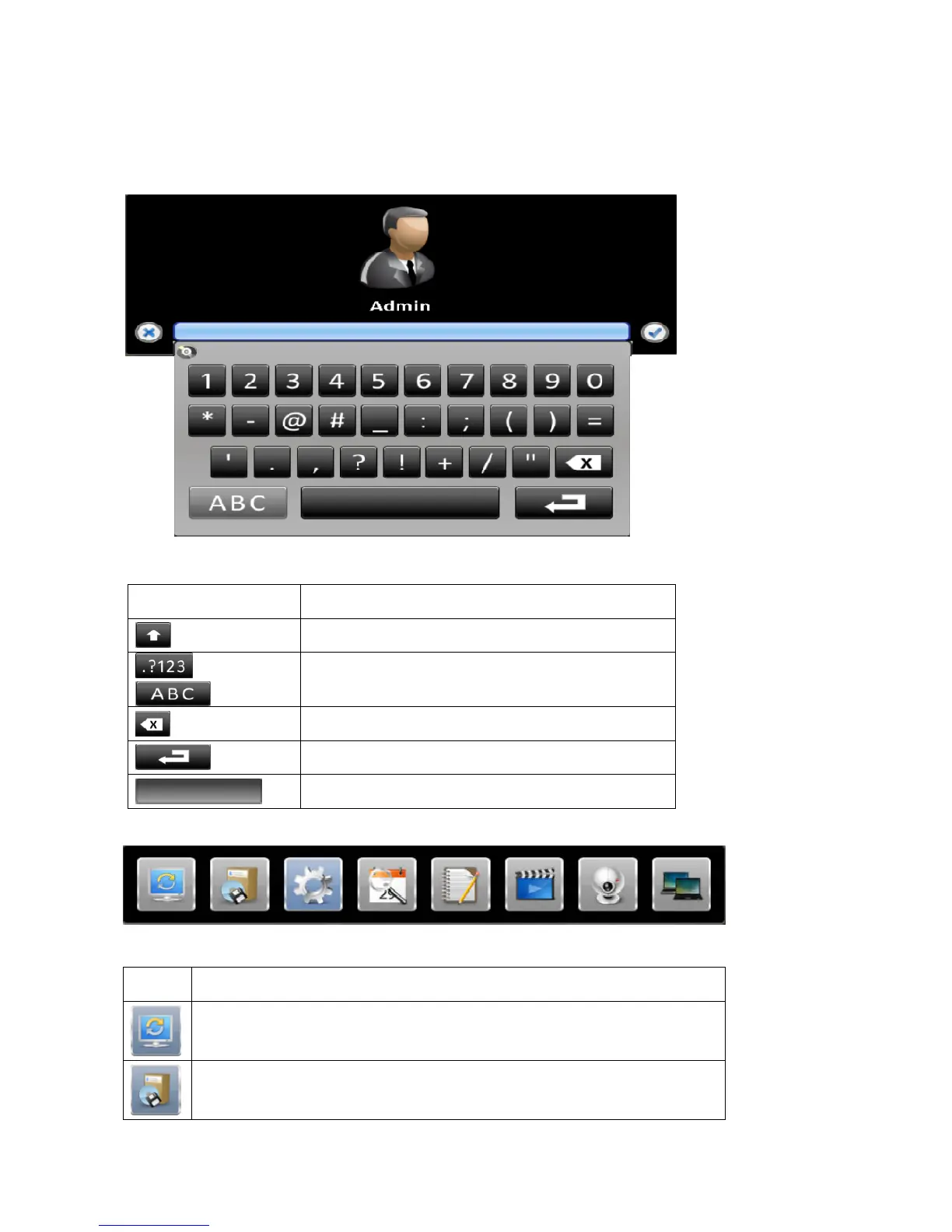
To enter the Main Menu and set up the DVR, log-in account and user password are required.
The default password of the administrator is 1111, please check the Account Setup for managing other users.
Table 2-1 Definition of virtual keyboard
Icon Description
Switch letters input between capital or lower-case.
or
Switch input mode between numbers or letters.
Delete last character.
Enter.
Space.
Right-click on the screen to display the Main Menu.
Table 2- 3 Description of Main Menu and Division Control icons
Icon Description
Auto Sequential menu.
Backup menu, for exporting video data in the DVR to a backup file.



 To Next Page