48
Item Description
Horizontal Position Setting video signal horizontal position.
Vertical Position Setting video signal vertical position.
Scaling Width Setting video signal scaling width.
Scaling Height Setting video signal scaling height.
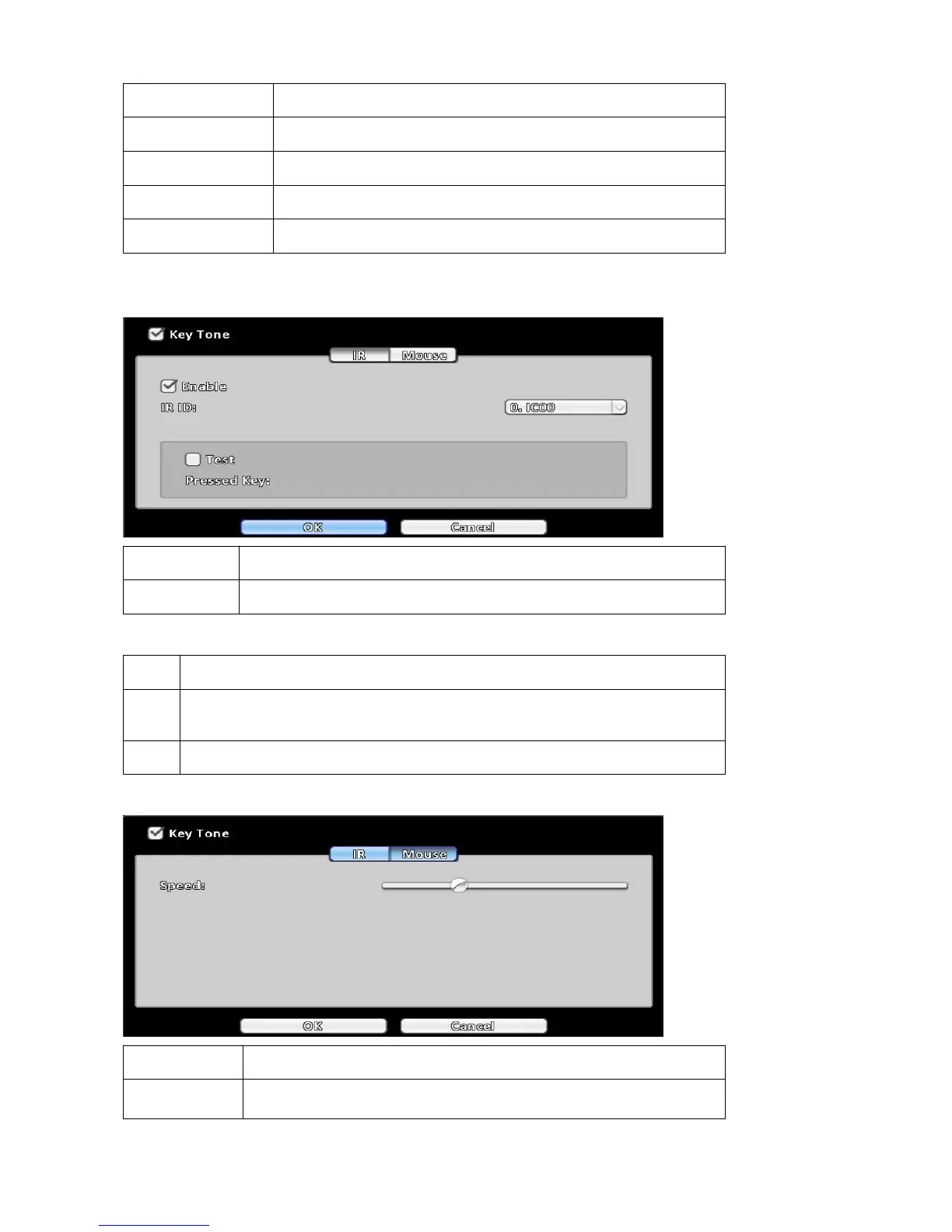
3-7-5 Input Setup
The Input Setup allows users’ setup input device
Item Description
Key Tone Enable / Disable Key Tone.
3-7-5-1 IR Setup ( Depending on DVR model )
Item Description
IR ID
Normal remote control ID is IC00.If you have one to multiple remote controls, you
can set your ID for your DVR to control different DVRs. (DVR1→IC01,DVR2→IC02).
Test Test your remote control.
3-7-4-1 Mouse Setup
Item Description
Speed
Setup the mouse cursor speed. The right side of the slider means
faster mouse speed (Only valid for local configuration).



 To Next Page