31/48
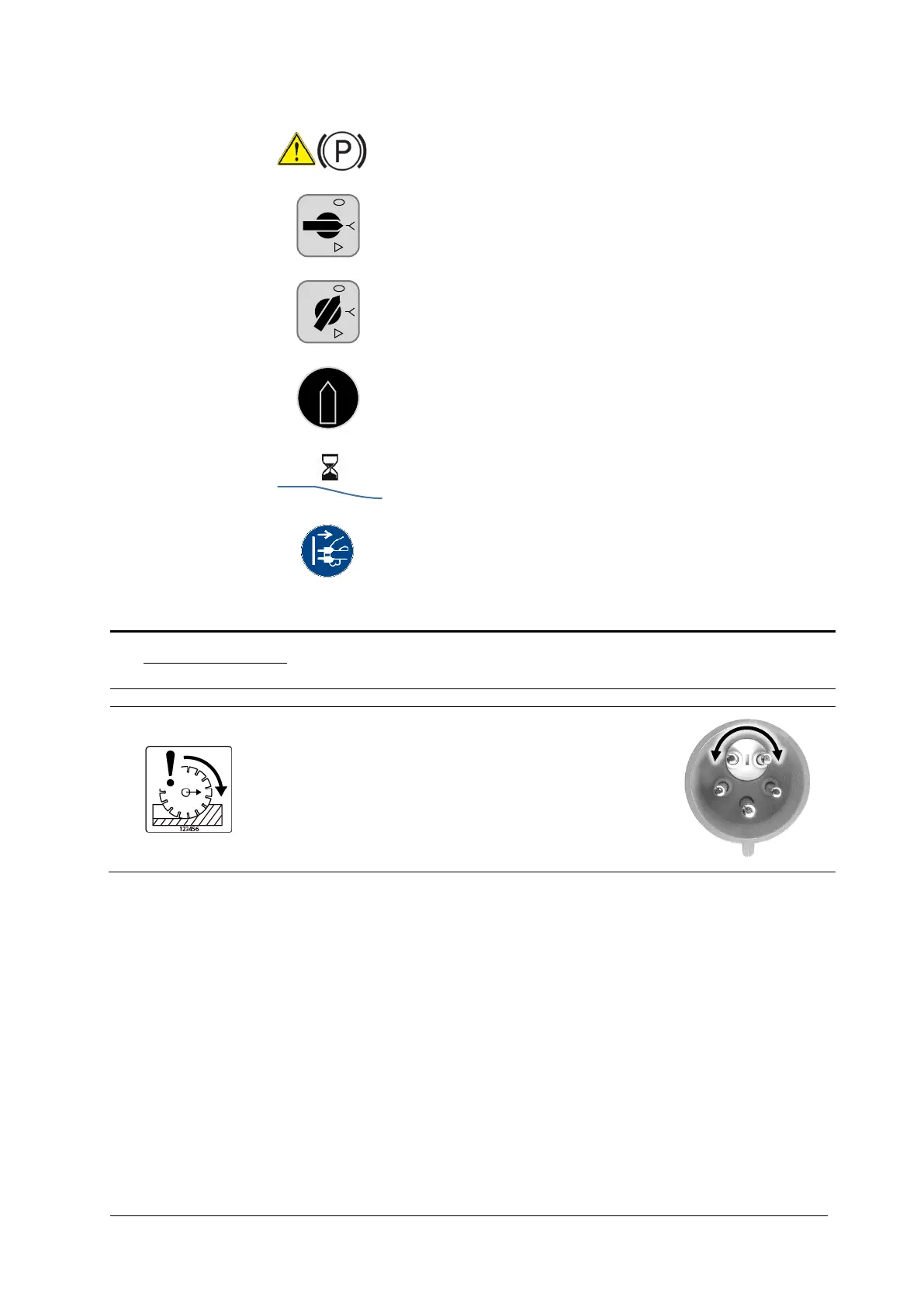
1. Move the saw blade until it is free (lift the blade completely from the kerf)
Activate the parking brake
2. Selection switch in the Y position
3. Selection switch in the 0 position
4. Main switch in the 0/OFF position
5. Let the blade run until it stops
6. Pull the plug before leaving the machine.
6.4. Check rotational direction
The machine must operate in down-cut!
Briefly start the machine and check the rotational direction.
If the rotational direction is incorrect:
• Pull the plug
• Turn the phases in the plug using a screwdriver
0
I



 To Next Page