LITE-CHECK INSPECTOR 930
26
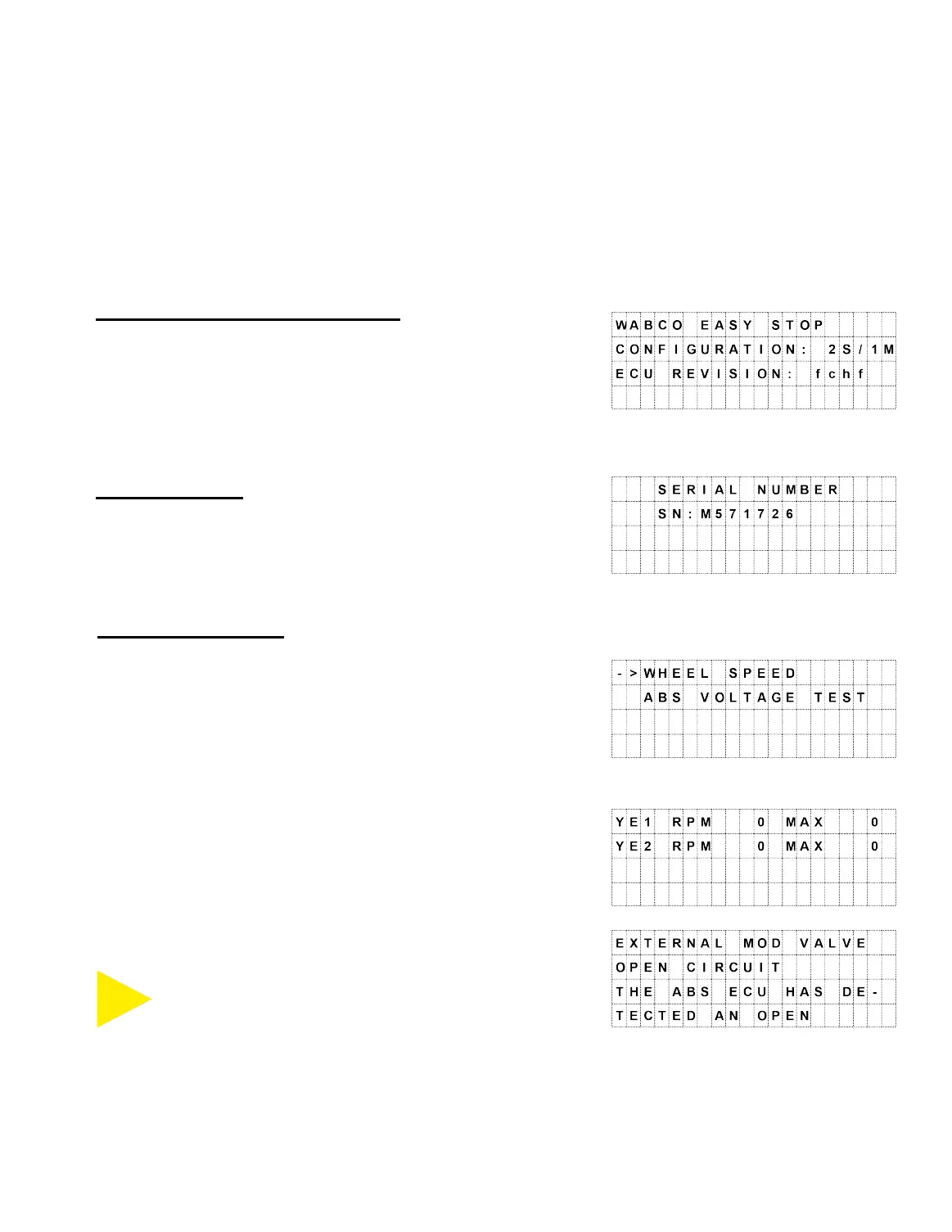
Manufacturer’s Configuration
Selecting this option provides the ECU configuration
information and Revision. Presentation of data from other
ECUs may vary.
Serial Number
Selecting this option displays the ECU serial number.
Special Functions
These are additional features the 930 is capable of.
Wheel Speed is shown when an axle is jacked-up and the
tire is spun.
(Selecting Wheel Speed will allow you to view RPM values
on the next screen.)
Voltage Test” instead,
But if you select “DOWN” to select “ABS Voltage Test”
instead, different options are available.
Getting Help
Pressing the SELECT (HELP) button while the
screen is displaying information on a fault will open
the Help file for that type of fault.
SELECT
HELP



 To Next Page