CHAPTER 8: OPERATION
ALPHA ST 320
8-6
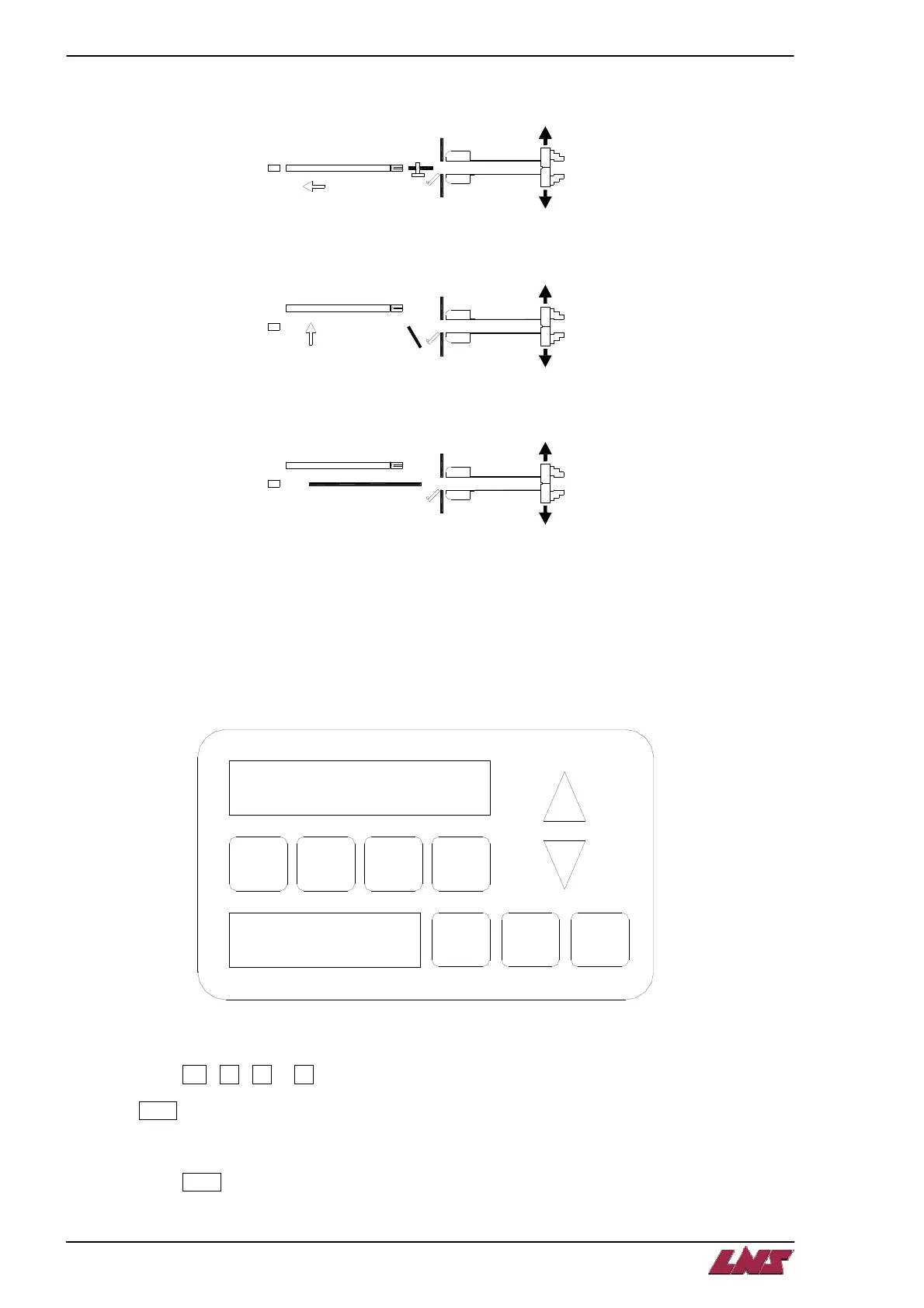
Step 6: The remnant is clamped with the vice and the pusher moves back to extract the remnant.
Step 7: The remnant drops into the remnant drawer and the channel is opened.
Step 8: The new bar is loaded into the guiding channel. The cycle is continued with the first step.
3. TD-200 DISPLAY AND SETTINGS
TD-200 display is used to set the parameters. There are 8 main parameters that can be select by the 4
function keys.
F2
F1
F5
F6
F4
F3
SHFT
ESC
F7
F8
Ent er
To select Functions 1 – 4 (F1 – F4):
Step 1: Press F1 , F2 , F3 or F4
Step 2: Enter
Step 3: Press ▲ or ▼ to change parameter
Step 4: Press Enter to confirm the change













 To Next Page