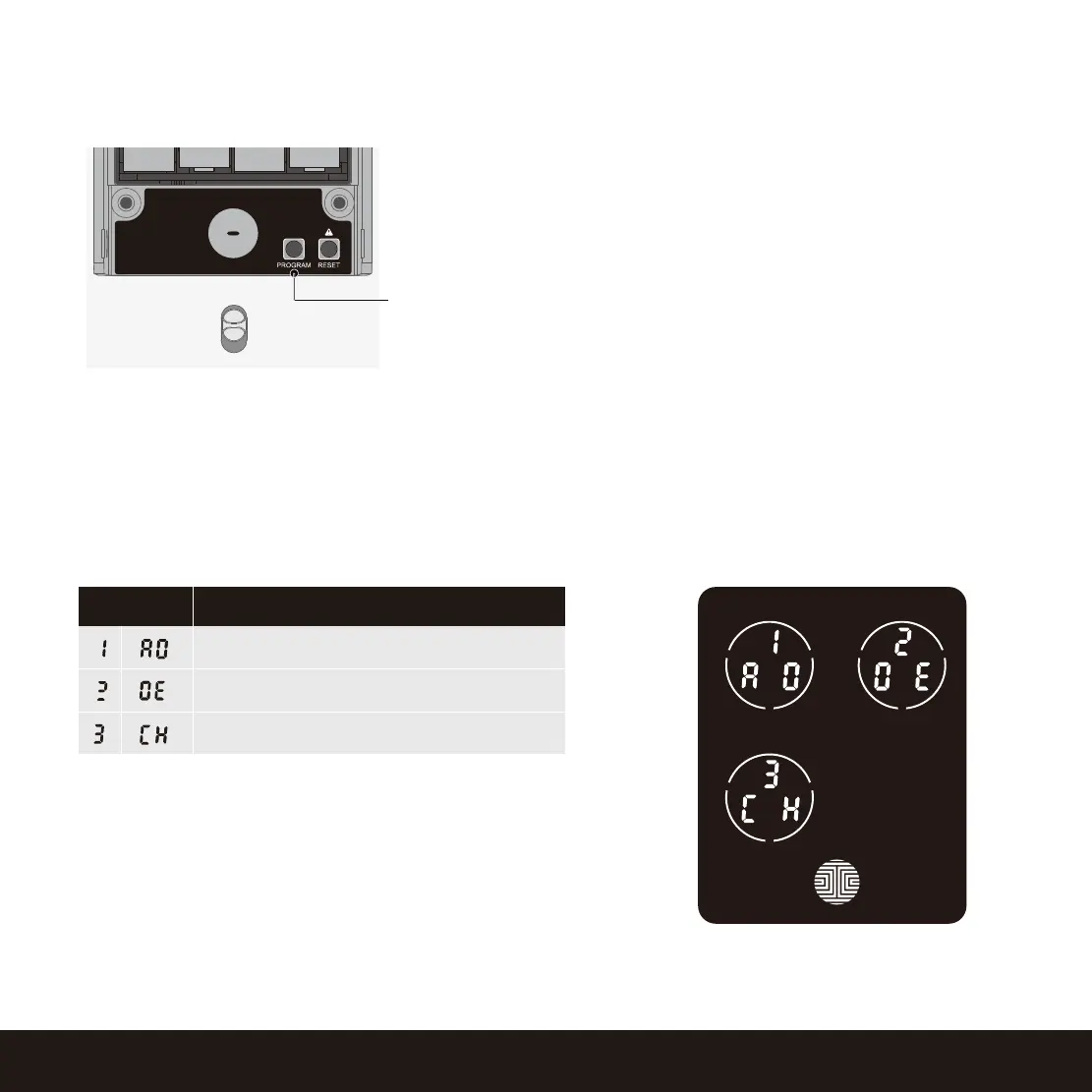
3.2 Entering Programming Mode
SECTION 3.2
Add Access Code
ModeNumber
Delete Access Code
View Access Code
To enter Programming Mode, remove the
battery compartment cover on the interior side
of the Secure to expose the Reset and Program
buttons (See page 8).
Simply press the Program button to enter
programming mode.
Note: Program button will be disabled once
synced to a smart phone. Configure all settings
via synced smart phone. Access Codes previ-
ously added by Programming mode will be
cleared.
To end Programming Mode, press the Program button anytime.
Programming Mode will automatically exit if the keypad is inactive for more than thirty (30) seconds.
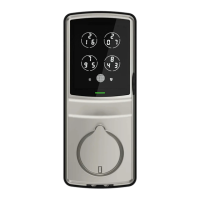
After entering Programming Mode, you should see
the screen as displayed to the right on your Lockly
keypad. Follow the following steps to add, delete,
or check your Access Codes.
10
Program Button





 To Next Page