EasyManua.ls Logo

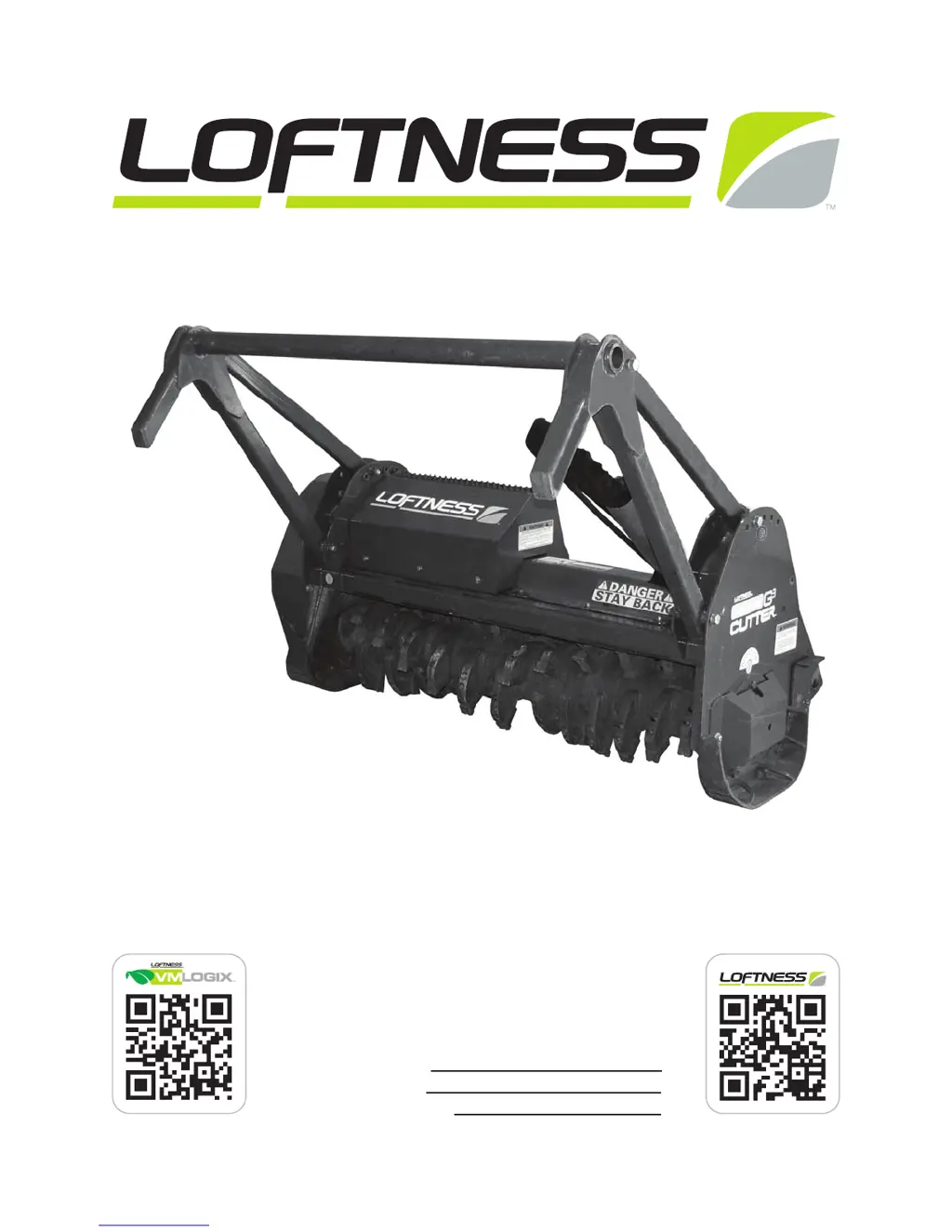
LOFTNESS 51CCH - User Manual

Default Icon
74 pages
Print Icon
To Next Page IconTo Next Page
Loading...
Model Number:
Serial Number:
Date of Purchase:
Carbide Cutter
51CCH • 61CCH • 71CCH
Owners Manual and Parts Book
(Originating w / Serial Number 42-751)
N28364 09.26.14

Table of Contents

Questions and Answers

  • M
    Mason MillerAug 11, 2025
    Why is my LOFTNESS 51CCH Cutter vibrating excessively?
    • M
      Matthew ReeseAug 11, 2025
      Excessive vibration in your LOFTNESS Cutter can stem from several issues. It could be due to broken or missing teeth, in which case you should replace the teeth. Another cause might be mud or debris wrapped around the rotor; cleaning the carbide cutter should resolve this. Faulty drive line or rotor bearings can also lead to vibration, requiring bearing replacement. Finally, damage to the rotor itself, such as bent shafts or missing balance weights, could be the culprit. In such cases, consulting the factory is recommended.
  • K
    Kelly McdonaldAug 22, 2025
    What to do if the rotor on my LOFTNESS 51CCH will not turn?
    • M
      Molly GreenAug 22, 2025
      If the rotor of your LOFTNESS Cutter isn't turning, several factors could be responsible. Check for faulty drive line or rotor bearings, and replace them if necessary. A damaged belt can also prevent the rotor from turning, so replace it if needed. If the belt is slipping, try cleaning or replacing it. Also, ensure that the belt tension is properly adjusted.
  • J
    James VincentAug 30, 2025
    How to fix uneven cutting with a LOFTNESS 51CCH?
    • M
      Madison JacksonAug 30, 2025
      Uneven cutting with your LOFTNESS Cutter can occur for a few reasons. The teeth may be dull or excessively worn, requiring replacement. Also, ensure the engine RPM is at full throttle. If the travel speed is too fast, reduce the ground speed.

LOFTNESS 51CCH Specifications

General IconGeneral
BrandLOFTNESS
Model51CCH
CategoryCutter
LanguageEnglish