- 17 -
4.3 How do I listen to music and other audio using
Bluetooth?
Pair a set of Bluetooth headphones or a Bluetooth headset with
your computer, see Adding a Bluetooth device.
Start your preferred audio player. The audio will be automatically
routed to the paired headphones or headset.
4.4 How do I stream and control audio from another
device?
Pair with a device that supports the A2DP service, see Adding a
Bluetooth device.
1. Open My Bluetooth Devices, see
Viewing connected
Bluetooth devices
.
2. Right-click the device and choose Open Services:
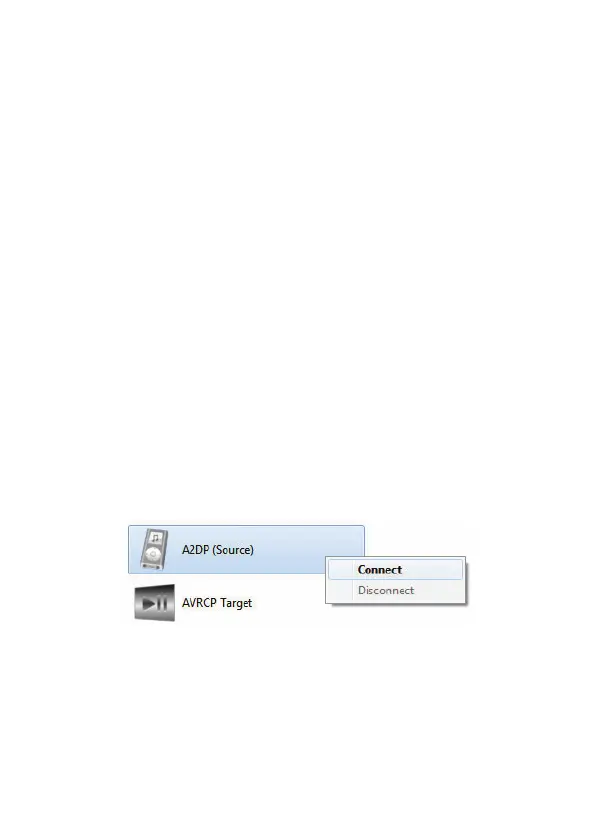
3. Right-click A2DP (Source) and select Connect:



 To Next Page