- 18 -
4.5 How do I change tracks on the remote device?
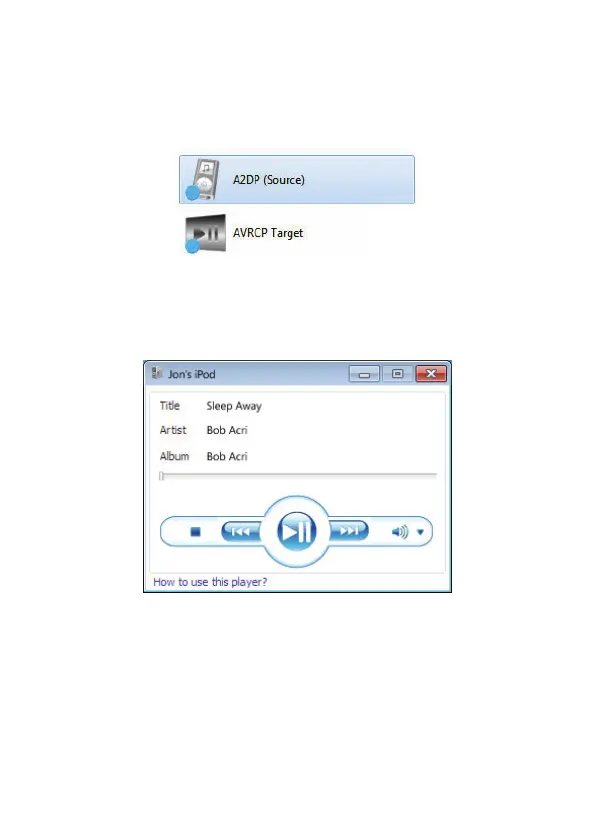
1. Connecting to A2DP (Source) will automatically connect the
AVRCP Target service.
2. This, using a pop-up window, gives information about the
audio stream (the track Title, Artist and Album) and enables
you to control it with Stop, Play, Pause, etc. buttons.



 To Next Page