- 46 -
4.19 How do I control video from the remote
device?
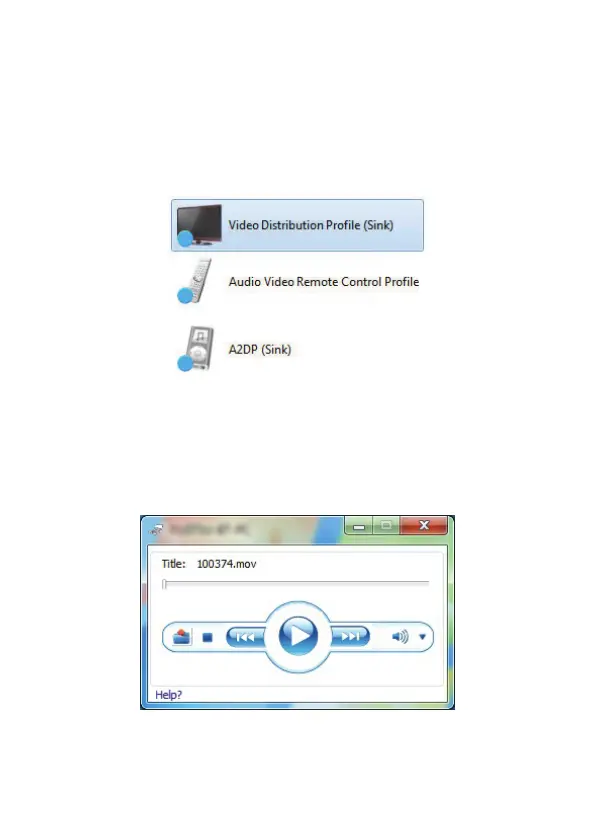
1. Connecting to
Video Distribution Profile (Sink)
will
automatically connect the
Audio Video Remote Control
Profile
and
A2DP (Sink)
services.
2. These, using a pop-up media application, enable you to
control the video with Stop, Play, Pause and Volume
buttons or to choose a different video file to stream to the
remote device.



 To Next Page