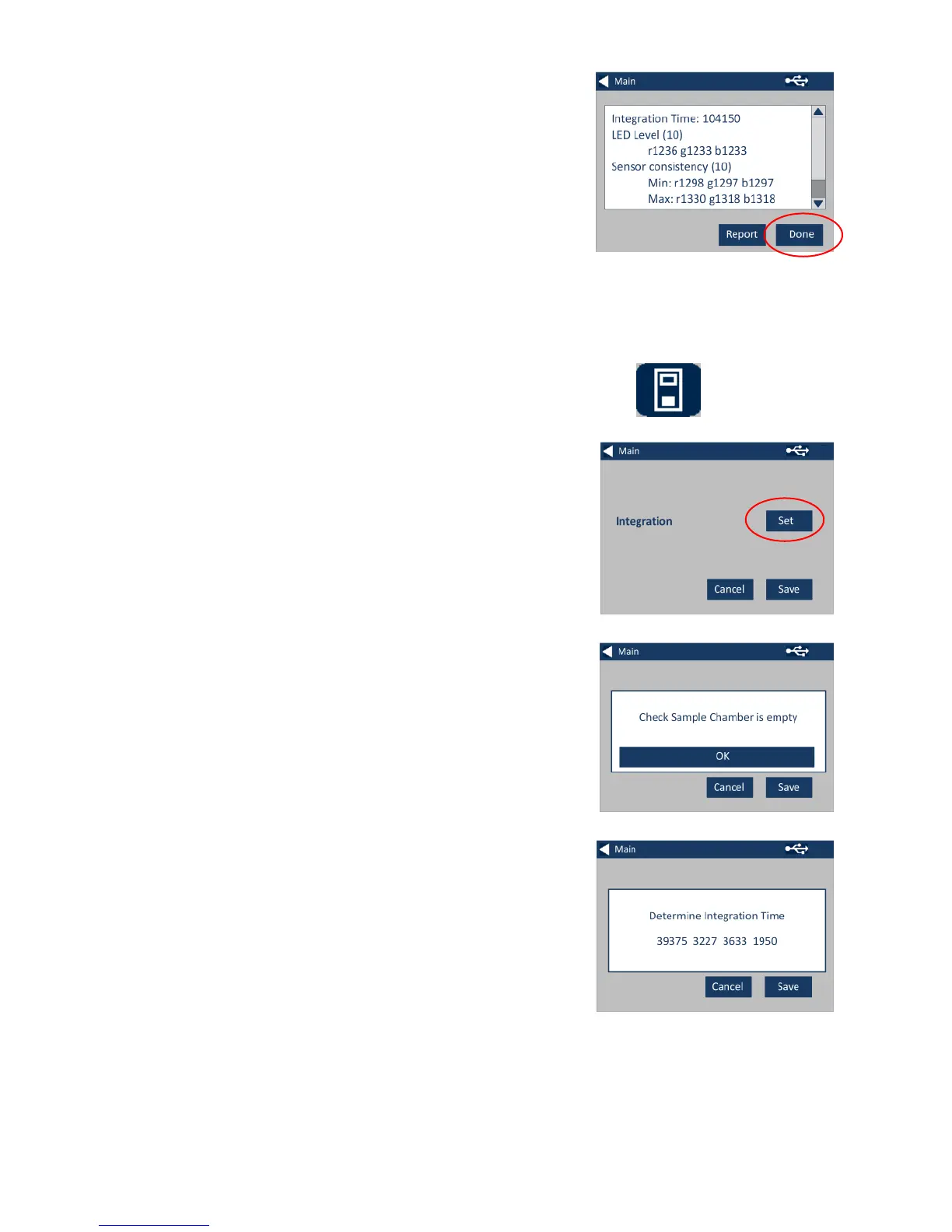
2c - The instrument will display the
report. When finished, select Done.
3 - For Instrument Settings, press
the Instrument Icon
3a – To set the integration time,
ensure the sample chamber is
empty, and then press Set.
(This will set the optimum time for
taking a measurement).
3b– The instrument will advise to
check the Sample Chamber. Press
OK when empty.
3c – The instrument will determine
the integration time, a series of
numbers will appear on the screen.








 To Next Page