Touchclave Ecotech
11
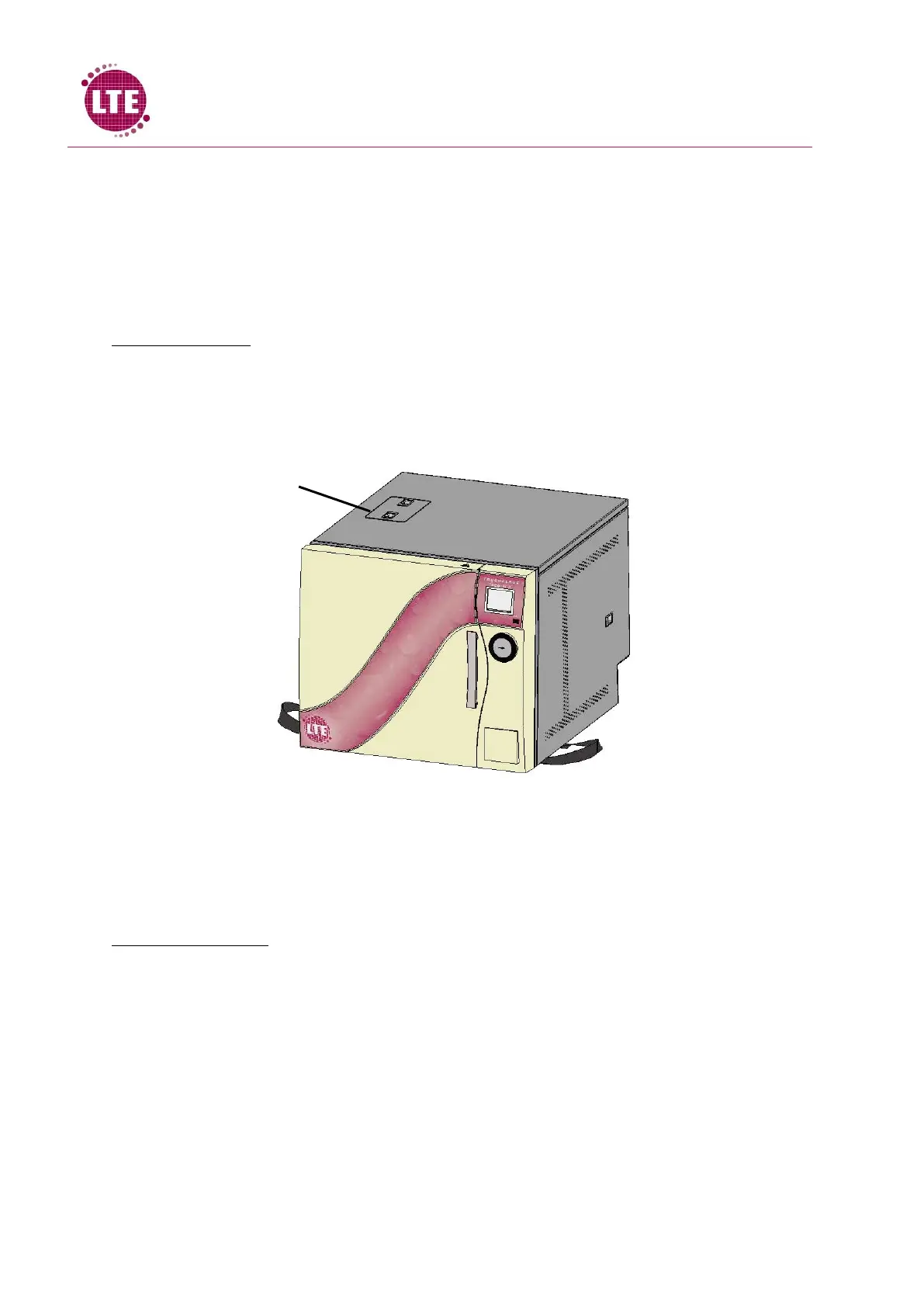
Internal Fill and drain tanks (Optional)
If the Touchclave Ecotech is fitted with internal fill and drain tanks, there is no need for external
water or drain connections during operation.
Note: the internal water fill and drain tanks are monitored by the Ecotech control system software
and so the machine will feedback to the user if the water tank is empty or the drain tank is full.
Filling the machine:
1. With the Ecotech powered, an audible sound will be transmitted from the machine when
the water fill tank is empty and the screen will display “Fill Water Tank”. A cycle cannot be
run until the water fill tank has been filled fully with water.
2. Squeeze together latches on the water fill tank cover and remove the cover from the lid.
3. Fill the tank using clean water from a clean container.
4. When tank is full, the audible sound will stop and the machine will display “READY” on the
control screen.
Draining the machine:
1. With the Ecotech powered, an audible sound will be transmitted from the machine when
the drain tank is full and the screen will display “Empty Drain Tank”. A cycle cannot be run
until the drain tank has been emptied fully.
2. Insert the end of the drain hose without a connector into an empty container (Container
must have 4L minimum volume and be placed on the floor at a lower level than the machine
as drain tank empties using gravity alone).
3. Plug the drain hose push fit connector into the drain connector at the rear of the machine
and tank will begin to drain.
4. When the drain tank is empty, the audible sound will stop and the machine will display
“READY” on the control screen.



 To Next Page