67
5.. Firmware update
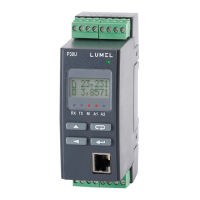
P30U transducer enables firmware update by user using
PC computer with eCon software installed. The free eCon software
and update files are available at www.lumel.com.pl. RS-485 to USB
converter,e.g.PD10converter,isrequiredforproceedingwiththeupdate.
Fig.24. Screenshot of the software for updating transducer
firmware.
Note After firmware update, default transducer
settingsmustbeset,thereforeitisrecommendedtostore
the transducer parameters before starting the update
processusingeConsoftware


 To Next Page
 Loading...