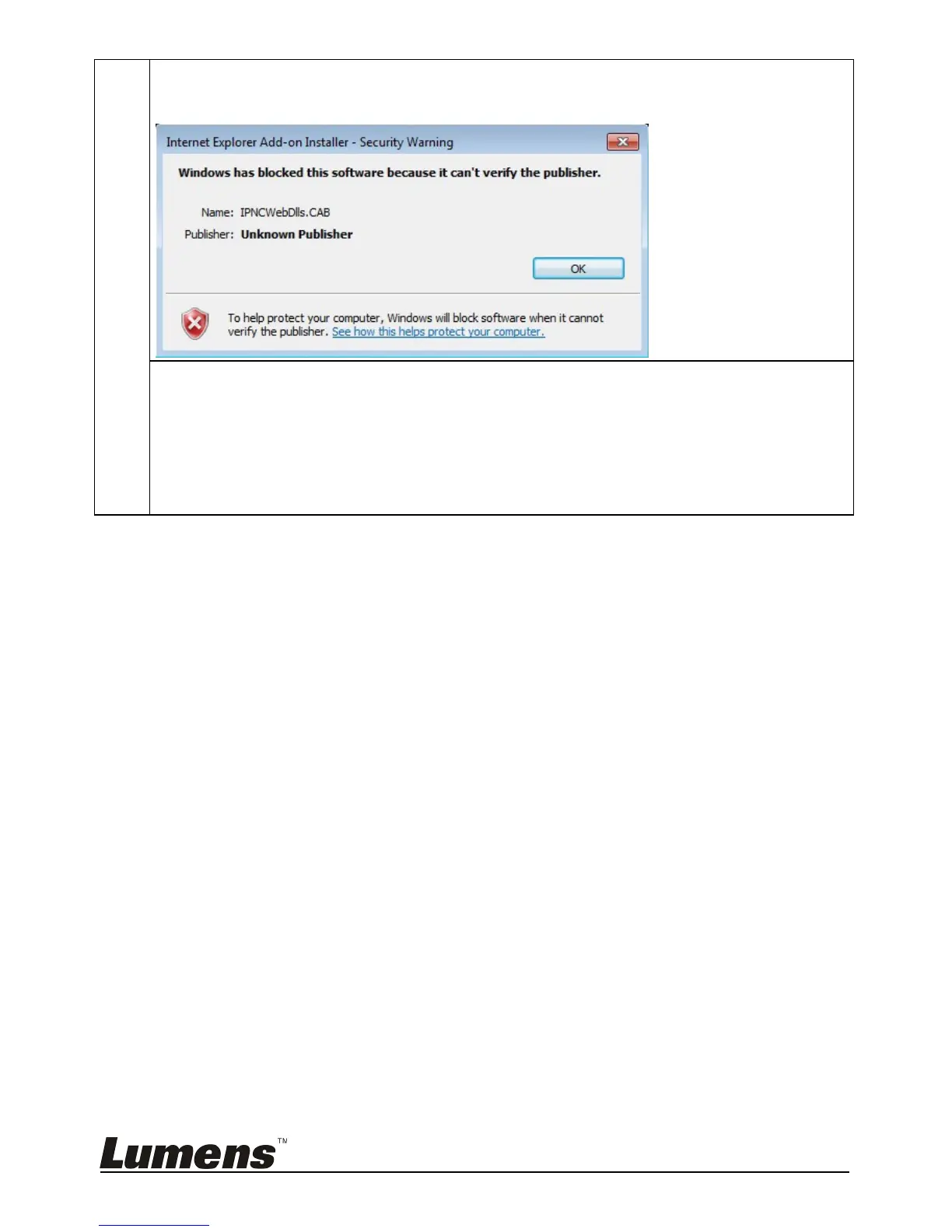
Q: A warning message (“Windows has blocked this software because it can't
verify the publisher.”) appears when installing the ActiveX controls as shown
in the figure below:
A: Please follow the steps below to modify security settings and re-install ActiveX
control components again:
1. Setup steps: Open the web page -> click [Tools] in function bar -> [Internet
Options] -> [Security] -> [Custom Level] -> select [Download Unsigned
ActiveX Controls] and set to [Prompt] -> [OK]
2. Exit the “Internet Option” setup screen, restart your IE browser, and install
control components according to the instructions on the screen.


 To Next Page
 Loading...











